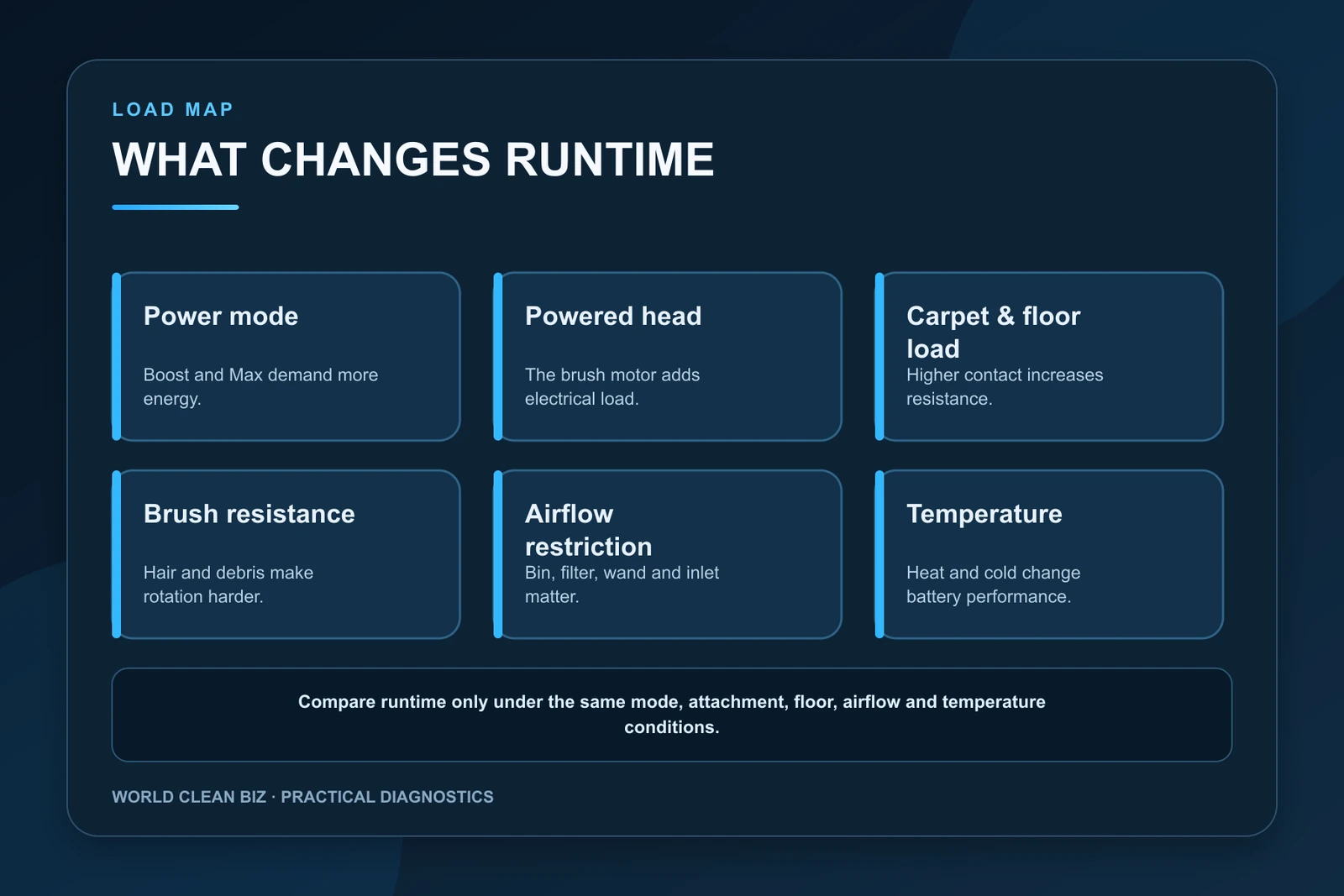
- Measure runtime after a complete approved charge under controlled conditions; maximum power, powered heads and carpet can reduce it substantially.
- Clear brush resistance, bin and airflow restrictions before judging battery capacity because extra mechanical and suction load consumes more energy.
- A repeatable short runtime under moderate load can indicate battery aging, but damage, unusual heat or sudden voltage collapse requires authorized service rather than pack repair.
In this article 14 sections
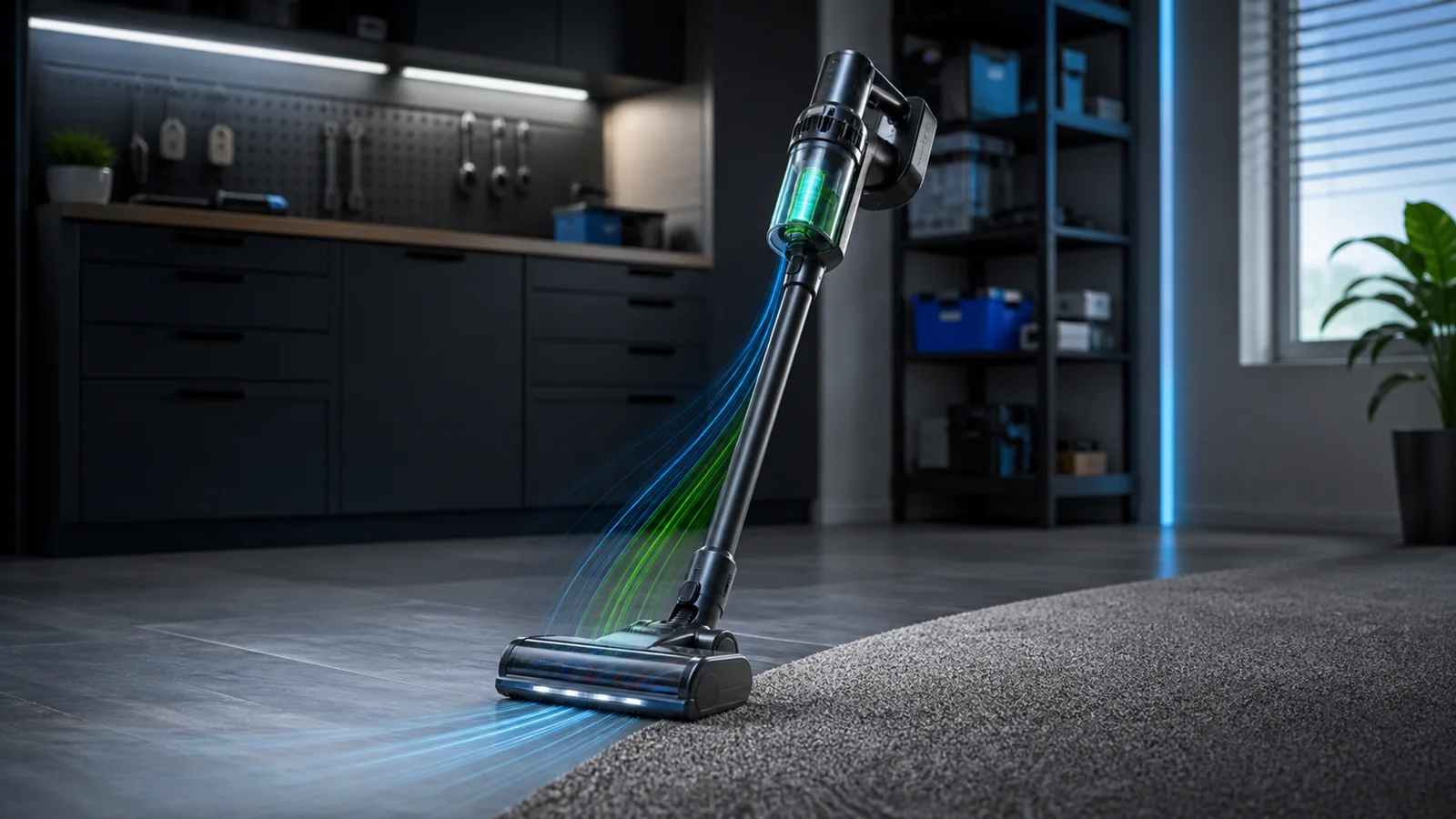
If your cordless vacuum battery drains fast, first confirm a complete charge with the exact approved charger. Then measure one controlled run in a moderate power mode on clear hard floor, with a clean bin, correctly serviced filter and freely rotating brush. Maximum or boost mode, carpet, powered tools, airflow restriction, brush resistance, temperature and battery age can all shorten runtime. A repeatably short result after those variables are controlled makes battery capacity or an internal power fault more likely.
Do not compare a current maximum-power carpet run with a new-machine headline measured in a different mode and tool configuration. Runtime claims are model- and test-condition-specific.
Short Runtime at a Glance
| What you observe | Leading explanation | First controlled check |
|---|---|---|
| Runtime is short only in Boost or Max | High motor and brush power demand | Repeat in the normal or moderate mode |
| Runtime drops on carpet | Higher brush and suction load | Compare the same mode on clear hard floor |
| Runtime improves without the powered head | Floorhead resistance or brush-motor load | Clean brush ends, chamber and airway |
| Vacuum runs longer after filter service | Airflow restriction increased energy demand | Maintain the bin, filter and complete airway |
| Battery percentage falls suddenly | Battery estimation, cell imbalance or pack fault | Record repeatable behavior and contact support |
| Runtime is poor in heat or cold | Temperature protection and reduced battery performance | Test only in the permitted room-temperature range |
| Older battery is consistently short under light load | Capacity loss through age and use | Verify with an approved comparison pack or service |
Stop for Battery Warning Signs
Stop using or charging the battery if it is swollen, cracked, leaking, unusually hot, burnt-smelling or physically damaged. Also stop if the vacuum smokes, sparks, melts a connector or repeatedly reports a battery fault at normal room temperature.
Do not open a battery pack, replace individual cells, bridge terminals or use a charger simply because the connector fits. Lithium-ion packs depend on compatible cells, controls, temperature sensing and charging communication. Follow the manufacturer’s service and local recycling instructions.
1. Confirm That Charging Actually Completes
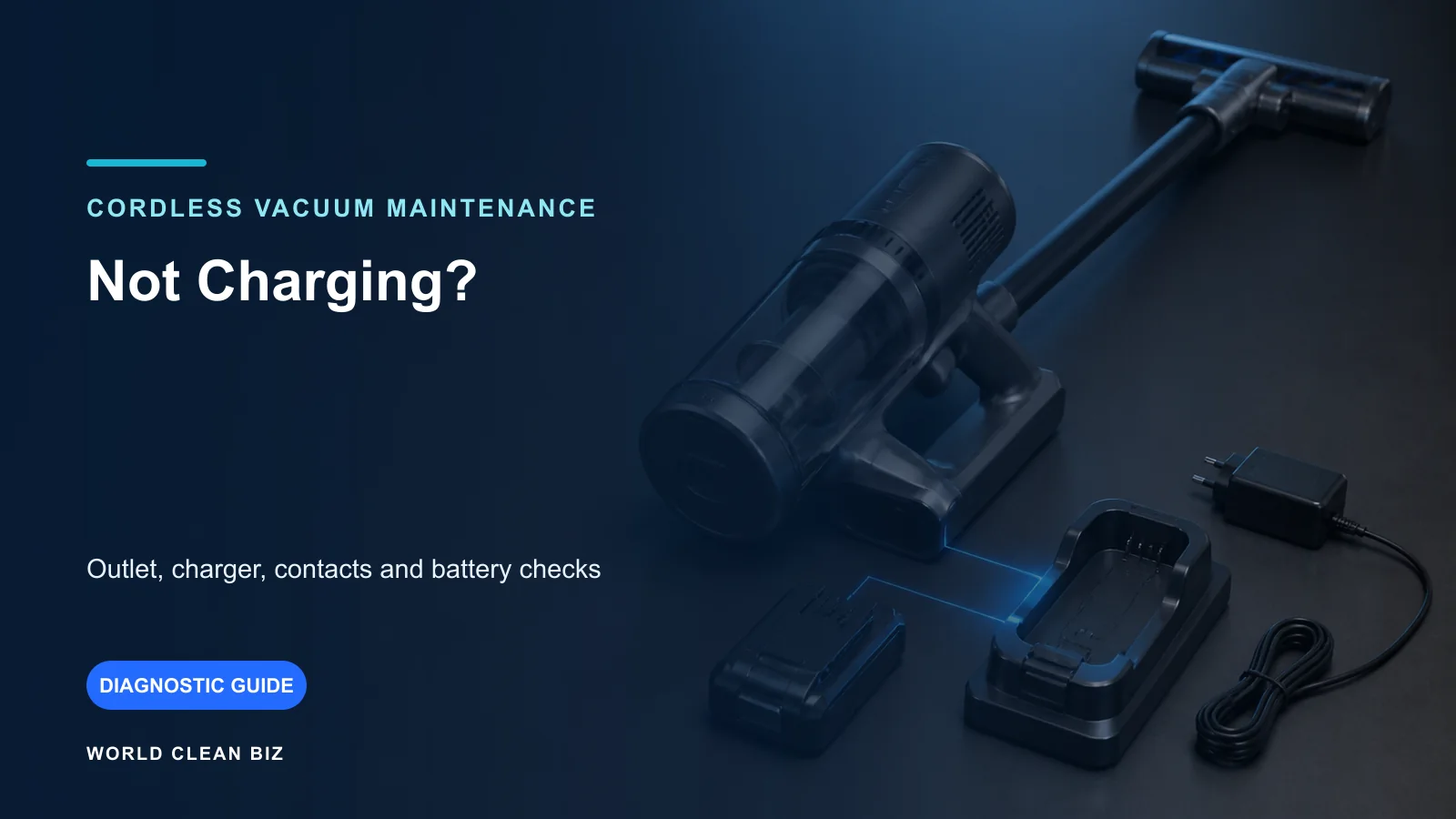
Short runtime and failure to charge are different faults. Connect the exact approved charger to a working outlet and let the vacuum reach the completed-charge state described in its manual. Record the indicator or displayed percentage before the test.
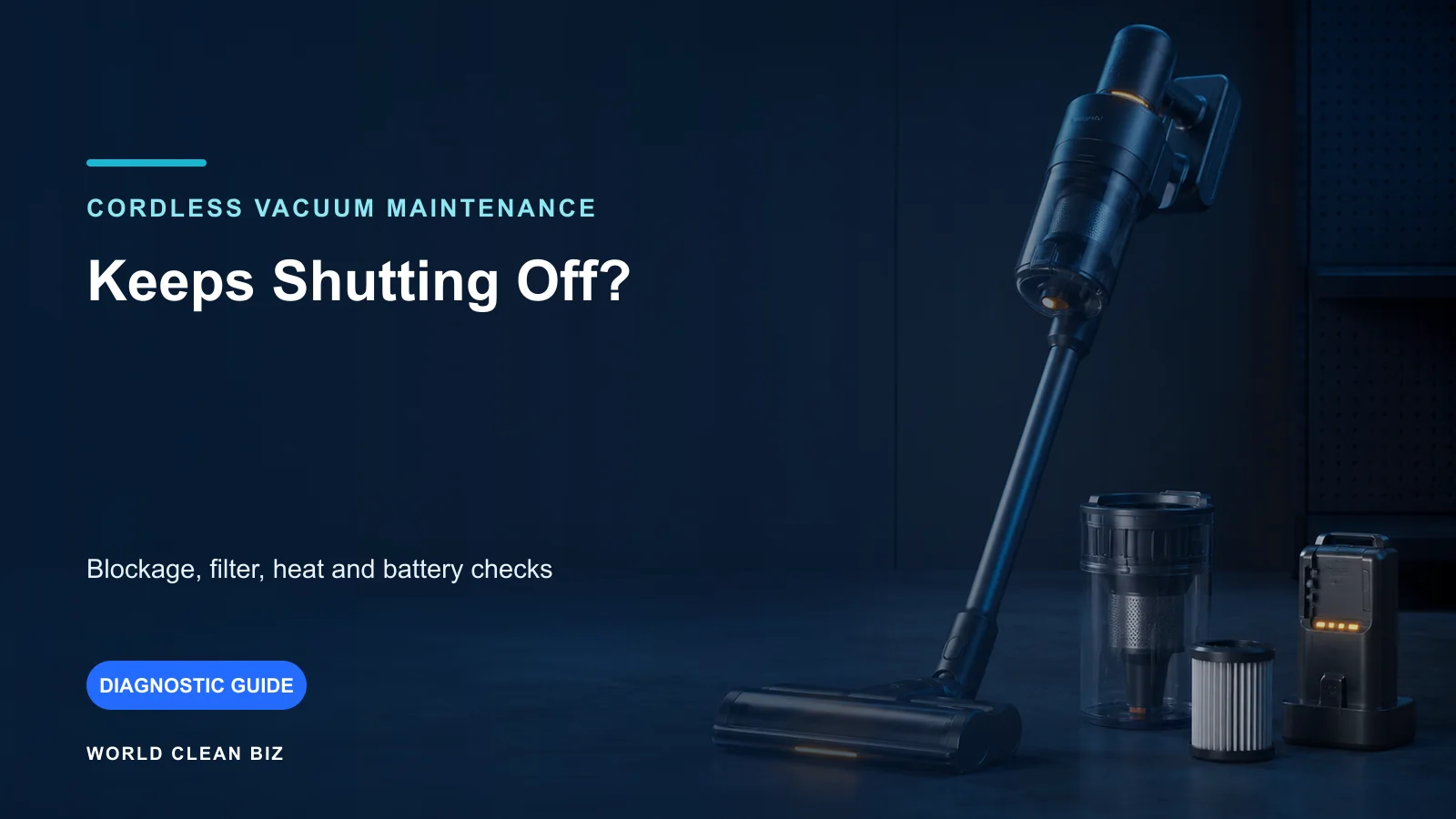
If the indicator never reaches a normal completed state, the charger, dock, contacts, temperature or battery may be interrupting charging. Use the WCB cordless vacuum not charging guide first.
Do not impose a universal charge duration or repeated charge-discharge cycle. Battery size, charger output and battery-management logic differ by model. Modern lithium-ion packs do not need an improvised “memory reset.”
2. Identify the Power Mode and Tool Load
High-power modes trade runtime for suction. Powered floorheads also draw energy for their brush motors, while non-powered tools may use less total power. Dyson’s official battery-care guidance says constant use in Boost or Max can accelerate degradation, and its V11 support separates runtime by mode and attachment.
Shark’s Cordless Pro MultiFLEX manual similarly states that power mode affects runtime and positions Boost as a short-use function. Those examples explain the category principle; use your exact product’s modes and published conditions.
For a useful comparison, record:
- selected suction or power mode;
- whether a powered floorhead is attached;
- floor type and carpet depth;
- whether an automatic mode increases suction in dirty areas;
- battery level at the start and end;
- elapsed run time and reason the vacuum stopped.
3. Remove Brush Resistance
Hair, thread and debris around the brush ends increase mechanical load. A hard object in the chamber, damaged brush cap or stiff bearing can make the floorhead consume more energy even before it stops rotating.
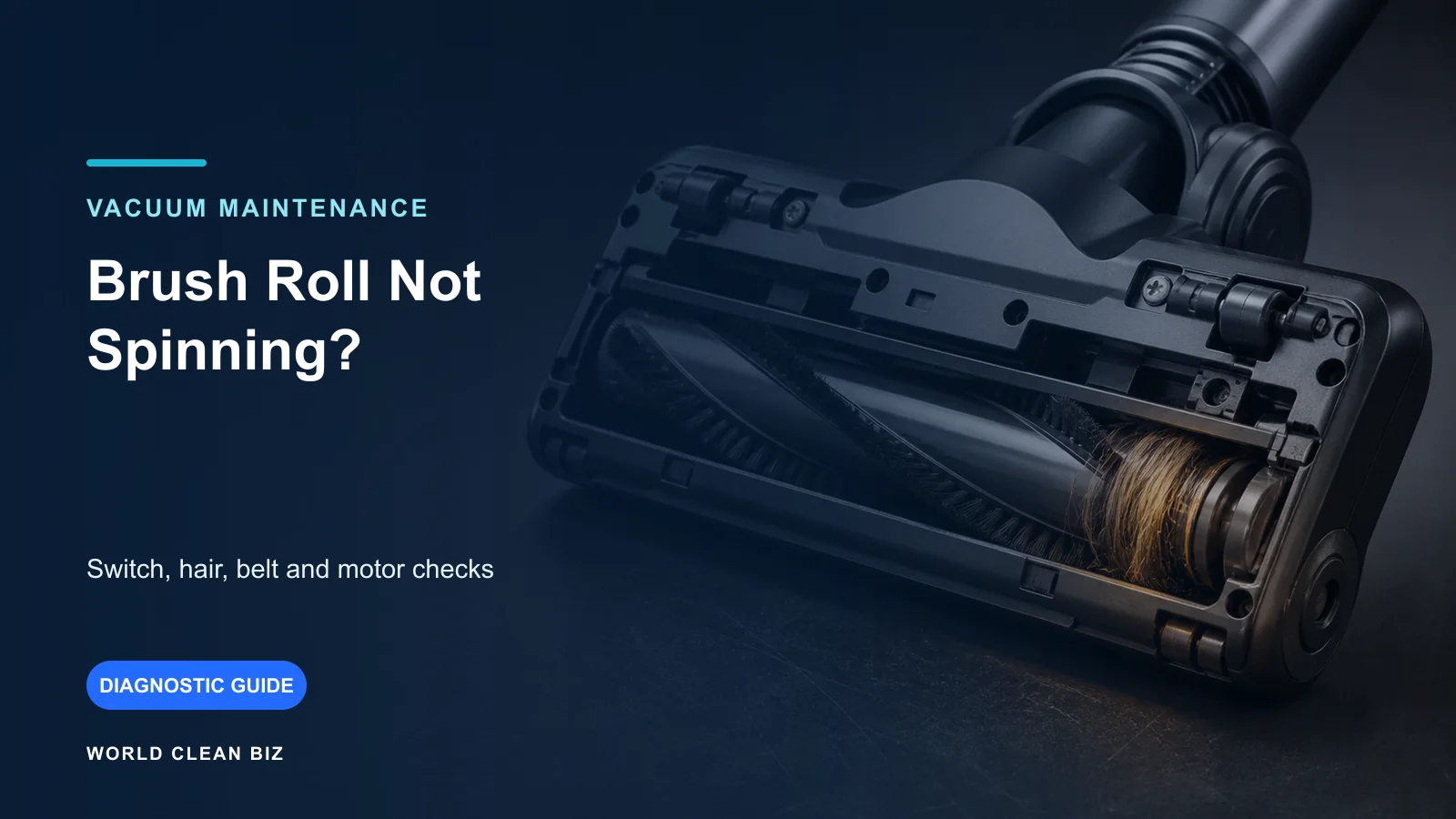
Power the machine off and remove the battery if the manual requires it. Inspect the complete brush surface, both ends, caps, guard, neck and accessible airway. Reinstall every part in the correct orientation. If the brush is not turning, use the dedicated vacuum brush-roll guide.
Do not lubricate a bearing unless the exact manufacturer procedure identifies the part and lubricant. Oil can attract dust and contaminate belts, floors or electrical areas.
4. Restore the Airflow Path
A full bin, loaded filter, blocked wand or constricted floorhead makes the vacuum work under abnormal airflow conditions. Empty the bin, clear user-accessible air passages and service the filter exactly as specified.
Some filters are washable and others are not. A washable filter must be completely dry before it returns to the vacuum. Installing a damp filter can restrict airflow and introduce moisture.
Tineco’s official PURE ONE S11 SPARTAN short-runtime procedure includes a full charge plus checks of the dustbin, filter, tube and power brush. Its LITEVAK procedure follows the same general load-control logic. For a complete airflow diagnosis, see WCB’s vacuum losing suction guide.
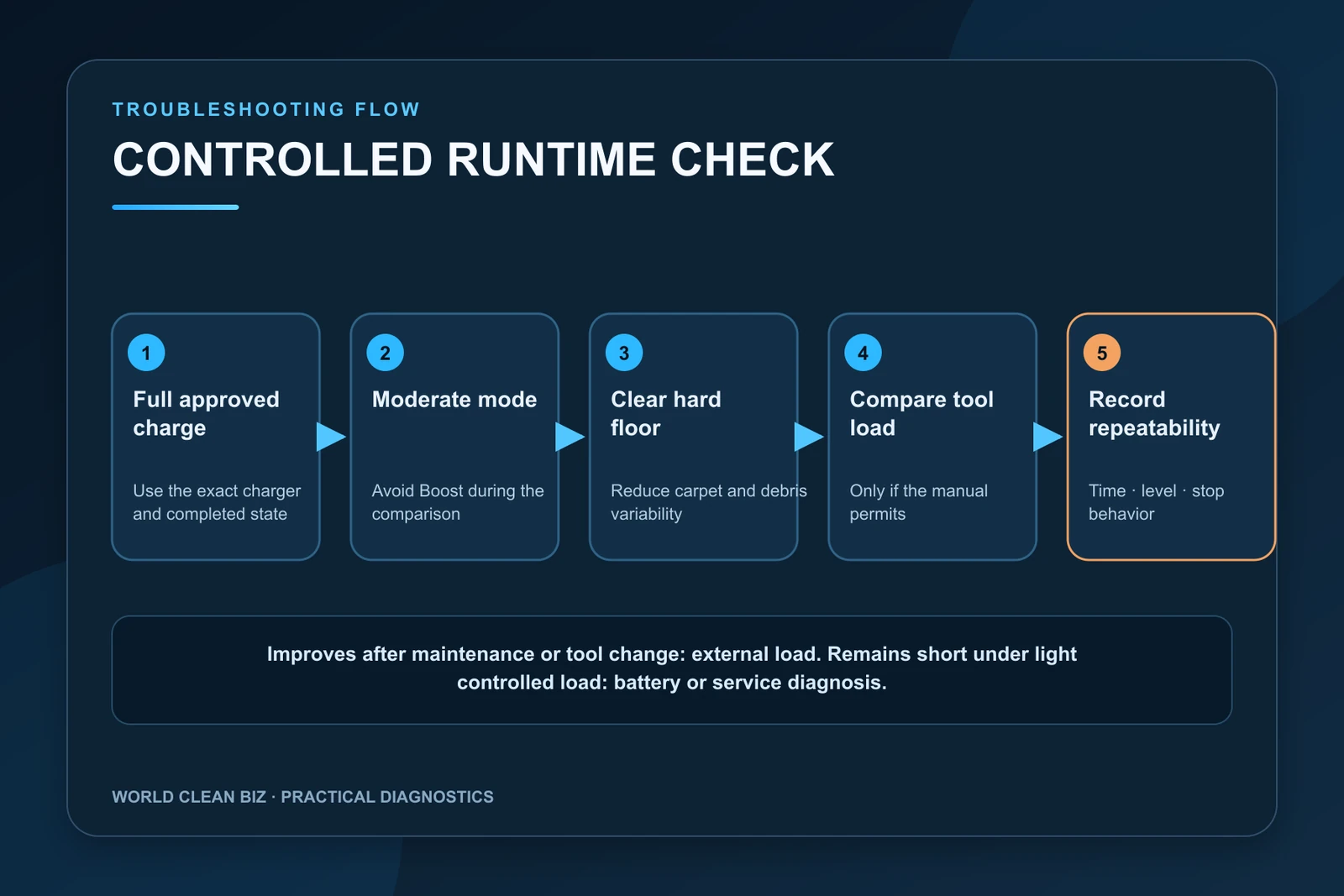
5. Run a Controlled Runtime Check
After the approved full charge and maintenance:
- choose the normal, Eco or moderate mode identified by the manual;
- use a clear, dry hard floor rather than thick carpet;
- begin with a clean bin and correctly serviced filter;
- use the same attachment for the whole run;
- avoid repeatedly switching to Boost;
- record the start level, elapsed time and stop behavior;
- repeat once only if the first result was interrupted by a blockage or accidental mode change.
The goal is not to prove an advertising number. It is to see whether the machine delivers stable, repeatable energy under a known load.
6. Compare the Main Body and Powered Tool
If the manual permits brief operation without the powered floorhead, compare the main body with a non-powered tool. Keep the mode and other conditions the same.
- Runtime improves substantially: brush resistance, floorhead electronics or carpet load may be important.
- Runtime remains equally short: battery capacity, main motor load or internal electronics become more likely.
- The vacuum cuts out rather than gradually depleting: use the cordless vacuum shutting-off guide.
Do not run an open vacuum, defeat guards or perform a long no-load test that the manual does not support.
7. Account for Temperature and Storage
Battery performance changes outside its permitted temperature range. A pack used immediately after hot storage, high-power cleaning or a cold vehicle may provide reduced output or trigger protection.
Allow the battery and vacuum to return naturally to the approved indoor environment. Keep them dry and ventilated. Do not force-cool a battery in a refrigerator or warm it with a heater. Dyson’s battery-care guidance specifically recommends room-temperature care and avoiding hot environments.
Long storage at extreme temperature or in a fully depleted state can contribute to deterioration. Follow the product’s storage guidance rather than applying a universal percentage rule.
8. Decide Whether the Battery Has Lost Capacity
Lithium-ion capacity normally declines with age, cycles, heat and high-load use. A battery becomes the leading suspect when it completes a normal charge but repeatedly delivers short runtime in moderate mode on a clear floor after the brush and airflow path are serviced.
The strongest safe comparison is a second approved battery already supported by the exact model. If one pack performs normally and the other does not under the same conditions, the evidence points toward the weaker pack. If both are poor, the charger, vacuum load or electronics may still be involved.
Order replacement parts by exact model, battery specification and market. For broader technical context, see WCB’s lithium batteries in vacuums and power tools and cordless vacuum OEM/ODM guide.
When to Use Authorized Service
Use authorized service when the battery is damaged or unusually hot; the level falls abruptly; the vacuum reports a repeated battery or temperature fault; runtime remains severely and consistently short under controlled moderate load; the charging port or battery latch is damaged; or internal battery-management and motor-current tests are required.
Provide the model, battery age if known, charger part number, test mode, attachment, floor type, elapsed runtime and indicator behavior. Controlled evidence helps support distinguish capacity loss from abnormal machine load.
FAQ
Why does my cordless vacuum last only a few minutes?
Maximum power, a powered head, carpet, brush resistance, a blocked airway, temperature or an aged battery can all be responsible. Confirm a full charge and test one moderate, controlled configuration.
Does using Boost mode damage the battery?
Boost is designed for high-demand cleaning, but constant high-power use increases energy draw and can accelerate battery wear. Use it according to the exact product guidance.
Can a dirty filter drain the battery faster?
A loaded filter changes airflow and can increase system load or trigger protection. Correct maintenance may improve both cleaning performance and usable runtime.
Should I replace the battery immediately?
Not before checking charge completion, mode, powered-tool load, brush resistance, airflow and temperature. Replace only with an approved part when the evidence supports battery capacity loss.
Is there a universal runtime for cordless vacuums?
No. Runtime varies by battery, mode, attachment, floor, dirt load, temperature and test method. Compare with the exact manufacturer conditions for your model.
Final Answer
When a cordless vacuum battery drains fast, confirm a complete approved charge, service the brush and airflow path, and measure runtime in a moderate mode on clear hard floor. Compare the same conditions with and without a powered tool only if the manual permits it.
A stable but consistently short result can indicate battery aging. Stop and use authorized support for battery damage, abnormal heat, sudden level collapse or a repeated electrical fault; never open or rebuild the pack yourself.