- Confirm that the vacuum is in a brush-enabled floor mode and, where required, that the handle is reclined before disassembling the floorhead.
- Power off and isolate the vacuum before removing hair, checking a removable brush roll, inspecting end caps or examining an accessible belt.
- A seized brush, broken belt, damaged powered-head connection or recurring motor protection requires the exact replacement part or authorized service.
In this article 15 sections
If your vacuum brush roll is not spinning, first confirm that the selected floor mode turns the brush on and that the handle is in the operating position. Then switch off and unplug the vacuum or remove it from power as instructed. Clear hair and debris, inspect a removable brush and its end caps, and check an accessible belt or powered-head connection before concluding that the brush motor has failed.
This guide covers upright, canister, stick and cordless vacuums. For a robotic cleaner, use the separate robot vacuum brush guide, because its drive logic and safety sensors differ.
Brush-Roll Problems at a Glance
| What you observe | Leading cause | First check |
|---|---|---|
| Brush never starts | Brush switch, floor mode, handle position or head connection | Confirm controls and operating position |
| Brush stops on thick carpet | Excess load, height setting or motor protection | Stop and use the approved surface setting |
| Brush turns briefly, then stops | Hair, jam, tight end cap, belt slip or overload | Isolate power and inspect accessible rotating parts |
| Motor runs but brush does not | Broken or displaced belt, stripped gear or coupling | Inspect only the serviceable drive path |
| One powered head works but another does not | Tool, connector or head motor | Compare approved attachments and contacts |
| Brush is difficult to turn by hand when removed | Hair in end caps, bearing damage or distorted roll | Clean as allowed or replace the brush |
| Burning-rubber smell or smoke | Belt, motor or electrical overheating | Stop immediately and use service |
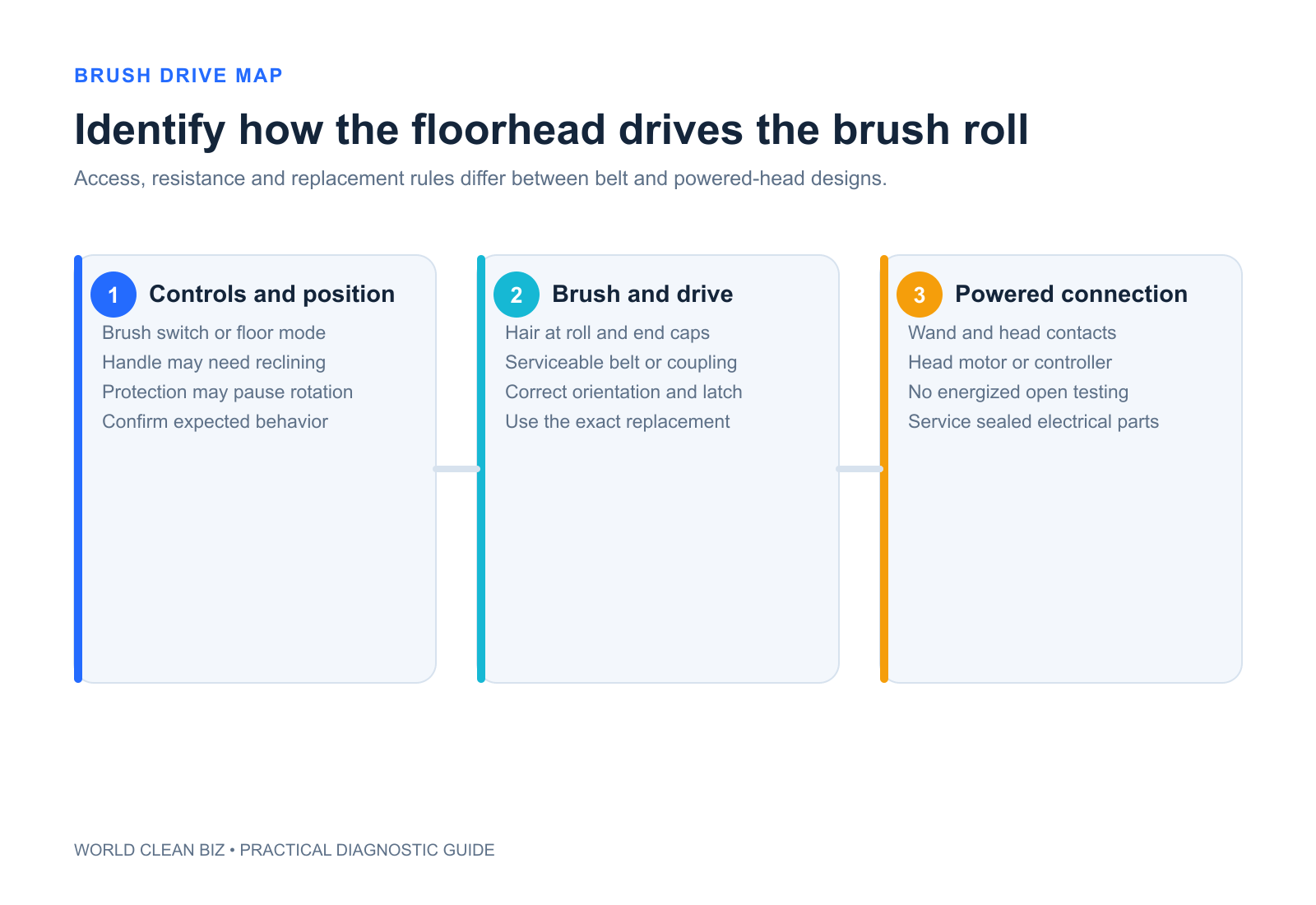
Stop and Isolate the Vacuum
Before touching the floorhead:
- turn the machine off;
- unplug a corded vacuum;
- remove it from the charger and remove the battery only if the manual requires or permits it;
- wait for every moving part to stop;
- keep fingers, hair, clothing and tools away from a brush that could restart.
Stop troubleshooting for smoke, sparks, burnt insulation, melted plastic, an abnormally hot head, exposed wiring, liquid intrusion or a damaged battery. Do not defeat an interlock or test an open energized floorhead.
1. Confirm the Brush Is Supposed to Spin
A stopped brush is not always a fault. Depending on the design, it may remain off when:
- the brush-roll switch is off;
- the vacuum is in hard-floor or suction-only mode;
- the handle is upright rather than reclined;
- an attachment or lift-away configuration disables the floorhead;
- the battery is too low for a powered tool;
- the brush is intentionally paused during protection or reset.
BISSELL's official Pet Hair Eraser Turbo guidance says its brush will not rotate while the vacuum is upright and tells users to check the brush switch and floor setting. Those rules illustrate the control check; they are not universal to every vacuum.
2. Record the Exact Failure Pattern
Before cleaning, note:
- whether the brush never starts or stops under load;
- the selected floor type and power mode;
- carpet pile or hard-floor surface;
- warning lights, flashing pattern or screen message;
- noise, smell or heat;
- whether suction continues;
- whether another approved powered head works.
This separates a control or attachment problem from a jam. It also preserves evidence if the motor protection resets after cooling.
3. Remove Hair and Debris Safely
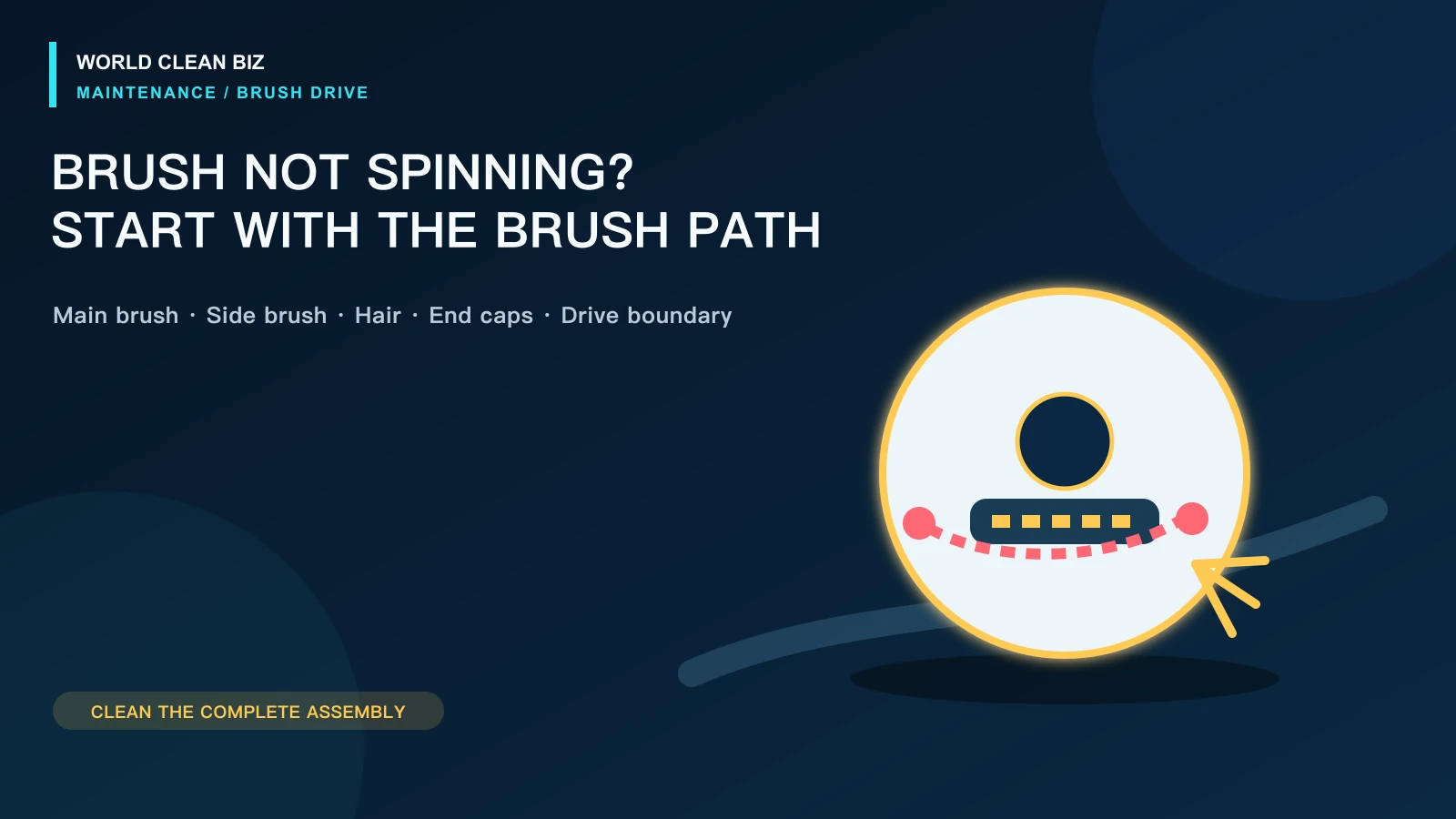
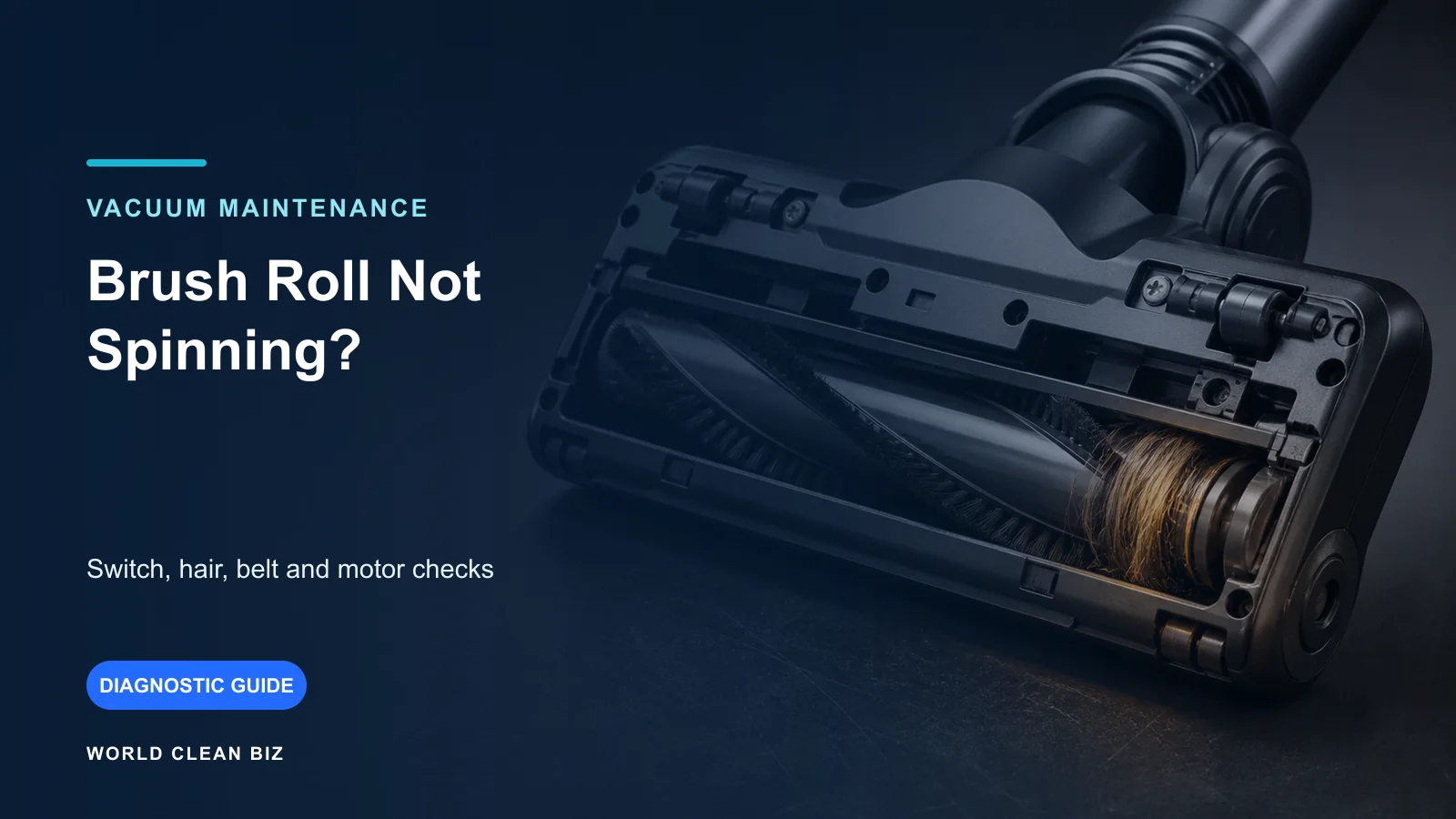
Hair, thread, rug fringe and fibers can wrap around the brush body, end caps and drive area. A visible surface may look clean while the ends remain packed.
Follow the model's access instructions. Some brushes lift out after a latch or coin slot is opened. Others require a service plate. Some powered heads are not intended for household disassembly at all.
Remove only accessible debris with the approved cleaning tool. Do not cut toward the bristles, wiring or belt. Do not pull a sealed end cap apart unless the manual identifies it as removable.
BISSELL's Pet Hair Eraser cordless hand-vac support directs owners of named models to remove the motorized brush, clear the roll and foot, then replace the powered foot if the brush still will not turn. That replacement boundary is specific to those models.
4. Check the Brush Roll and End Caps
When the brush is designed to be removed, inspect:
- bristles or fins for distortion and wear;
- the shaft and end caps for wrapped fibers;
- melted material or heat discoloration;
- cracks or a distorted brush body;
- the keyed drive end for damage;
- the bearing or bushing behavior described by the manual.
BISSELL's support procedures often ask whether a removed roll spins freely by hand. Do not convert that into a universal resistance specification: direct-drive and geared heads can feel different. The useful comparison is whether the approved test reveals binding, damage or a clear left-right difference.
5. Inspect a Serviceable Belt
Many upright and canister vacuums use a belt between the motor pulley and brush. Cordless powered heads more often use an internal motor or gear drive, but designs vary.
If the manual provides belt access, check for:
- a broken, stretched or displaced belt;
- glazing, cracking or burnt rubber;
- debris around the pulley;
- incorrect routing;
- a brush that cannot rotate and immediately overloads the new belt.
BISSELL's CleanView brush-roll procedure includes inspection of the removable roll and belt for a named model. Use the exact belt part number and routing. A belt that merely fits around the pulleys is not necessarily correct.
6. Check Powered-Head Connections
A cordless or canister vacuum may carry electrical power through contacts at the main body, wand and floorhead. If suction continues but the powered brush is dead, inspect accessible connections for:
- incomplete latching;
- dust or residue on approved contact surfaces;
- a bent, recessed or damaged pin;
- a cracked wand or head connector;
- behavior that changes when the joint moves.
Power down before disconnecting parts. Use only the contact-cleaning method in the manual. Do not scrape pins, spray liquid into a connector or bridge contacts.
If another approved powered attachment works from the same connection, the original head becomes the leading suspect. If no powered tool works, the wand, main-body supply or controller may require service.
7. Consider Surface Load and Height Settings
Thick carpet, loose rugs and an aggressive low height can overload a brush. Some systems stop the roll to protect the belt or motor. Move to a safe hard floor, remove rug fringe from the area and use the manufacturer-approved height, suction or floor-type setting.
Do not repeatedly restart a brush that stalls on the same surface. Confirm that the vacuum and floorhead are rated for that carpet. A brush that runs unloaded but stops on every ordinary approved floor may have a worn belt, tight bearing, weak head motor or control fault.
8. Separate Brush Failure from Suction Loss
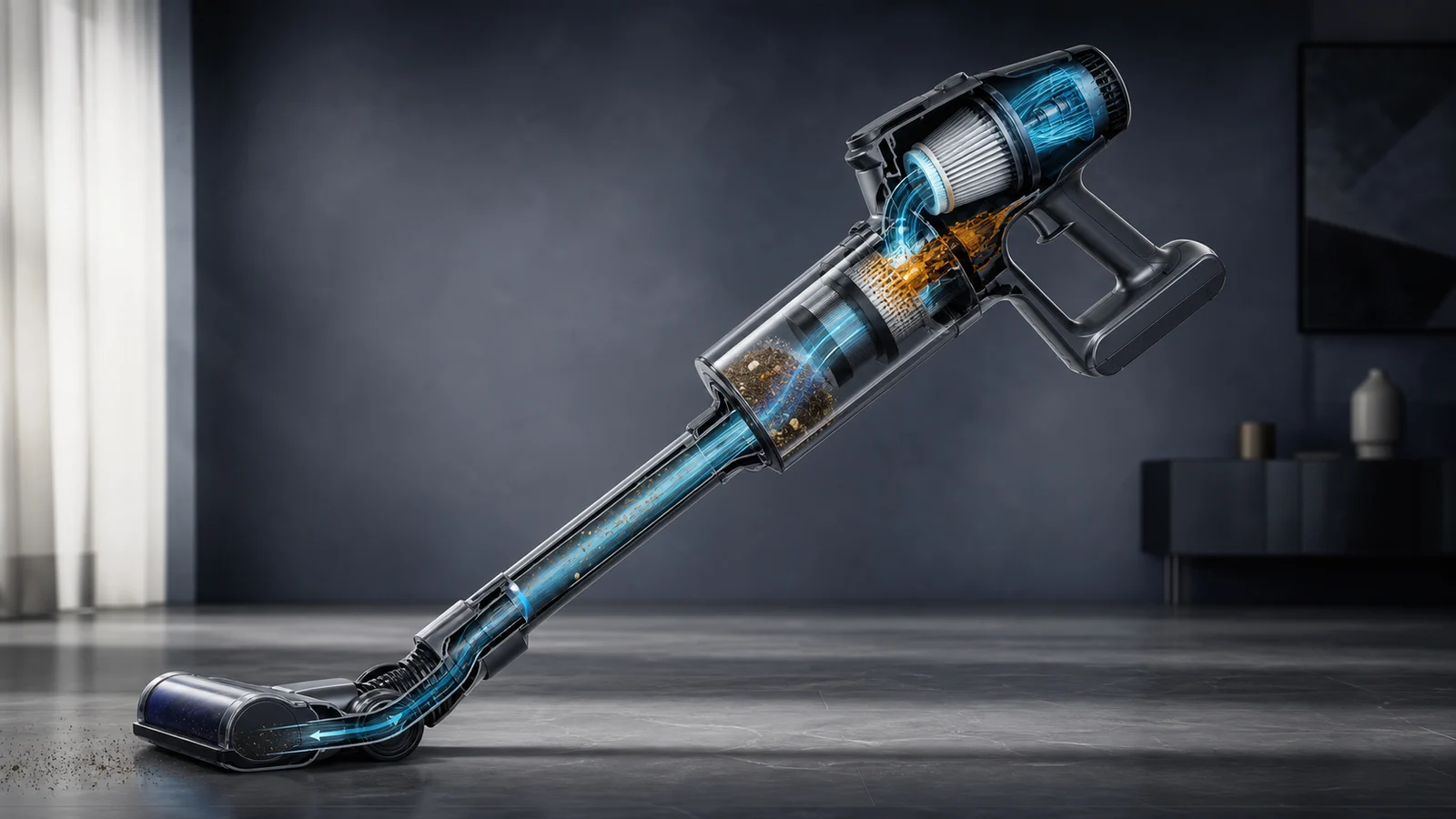
The motor may produce airflow while the brush remains stopped. Conversely, a blocked airway can increase load or create poor pickup even when the brush turns.
Check whether:
- suction is present at the handheld or hose;
- the floorhead airway is blocked;
- the bin and filters are correctly maintained;
- debris is being agitated but not carried away;
- the machine cuts out rather than only stopping the brush.
Use the WCB vacuum losing suction guide for the airflow path. If the entire cordless machine stops, use the cordless vacuum shutting-off guide.
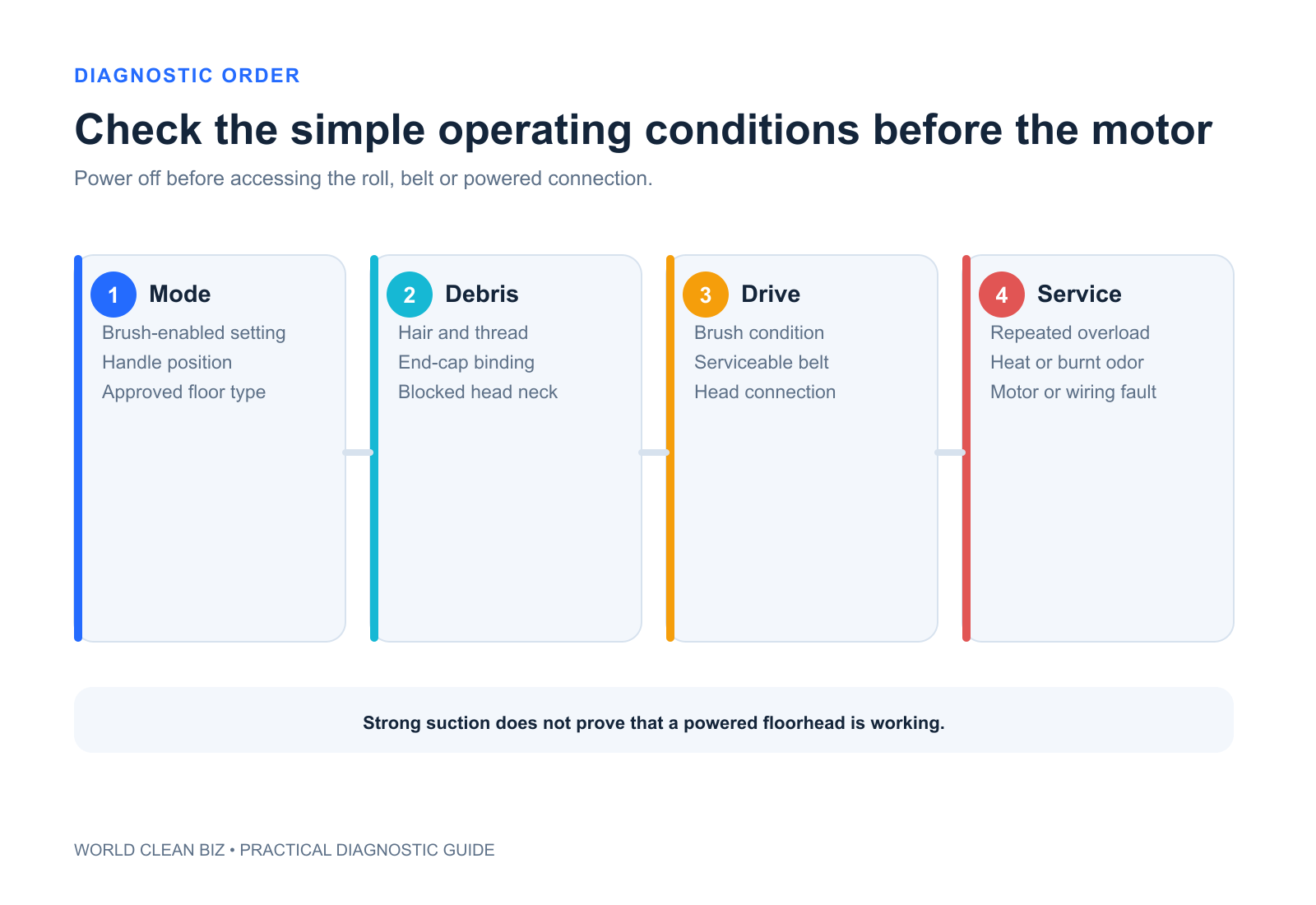
9. Reassemble and Test One Change at a Time
After cleaning or replacing an approved part:
- reinstall the brush in the correct orientation;
- close every latch or access plate fully;
- confirm the belt is routed correctly if user-serviceable;
- reconnect the wand and head until latched;
- select the normal brush-enabled mode;
- test briefly on an approved clear surface;
- stop if the warning, heat, smell or stall returns.
Do not test with the floorhead inverted while energized unless the manufacturer's procedure explicitly provides a safe method.
When to Replace a Part or Use Service
Replace the exact approved brush, belt or floorhead when it is worn, cracked, seized or identified by the model procedure. Use authorized service when:
- the brush motor does not run after accessible corrections;
- wiring, pins, gears or an internal belt are damaged;
- the head becomes hot or smells burnt;
- a new approved belt fails immediately;
- the brush starts only when a connector is held at an angle;
- protection repeatedly trips on an approved surface;
- repair requires opening sealed electrical parts.
For buyers comparing floorhead, battery and filtration approaches, see WCB's Shark versus Dyson cordless vacuum guide.
FAQ
Why does the brush roll stop when the vacuum is upright?
Some upright designs intentionally stop the brush in the parked position. Recline the handle and confirm the brush-enabled mode using the exact manual.
Can hair around the ends stop the brush even if the middle looks clean?
Yes. Fibers often collect under removable end caps or around the drive end. Access only the parts identified as user-serviceable.
Why does the brush spin on hard floor but stop on carpet?
The carpet may create excessive load, the height or suction setting may be wrong, or the brush, belt or motor may already be marginal. Stop repeated resets and follow the surface guidance.
Does strong suction prove the floorhead motor is good?
No. Suction and brush drive can be separate systems. A vacuum can have normal airflow with a failed powered head.
Can I replace the belt with one that looks the same?
Use the exact approved part. Belt length, elasticity, profile and heat resistance affect performance and safety.
Final Answer
When a vacuum brush roll will not spin, confirm the brush switch, floor mode and handle position first. Then isolate power, clear accessible hair, inspect a removable roll and its end caps, and check only the belt or powered connection the manual makes serviceable.
A seized brush, damaged belt, faulty connector, repeated overload, abnormal heat or internal brush-motor fault requires the exact replacement part or authorized service.