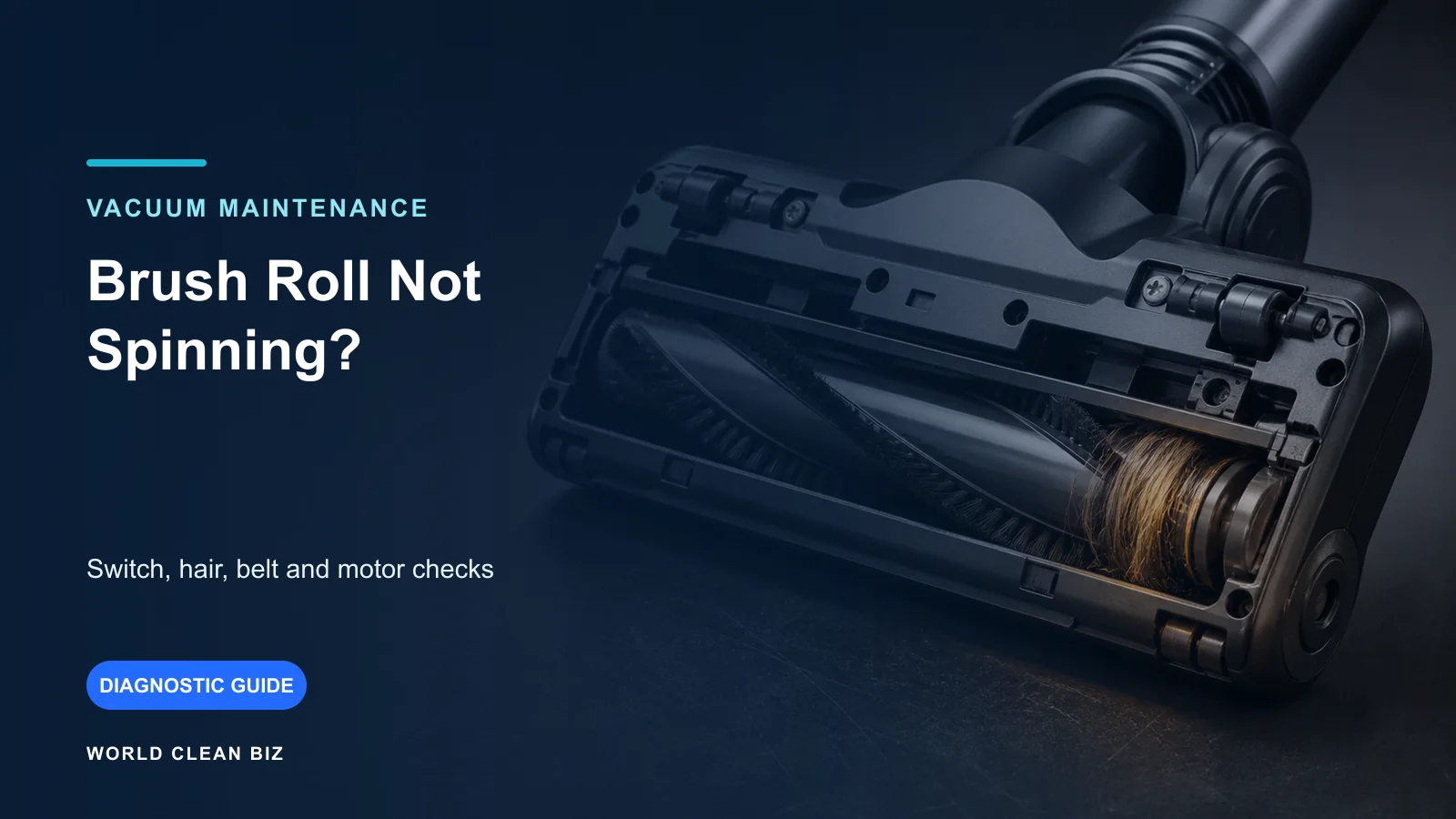
- First identify whether the main brush, side brush or both have stopped, and confirm the behavior is not a normal travel or mode state.
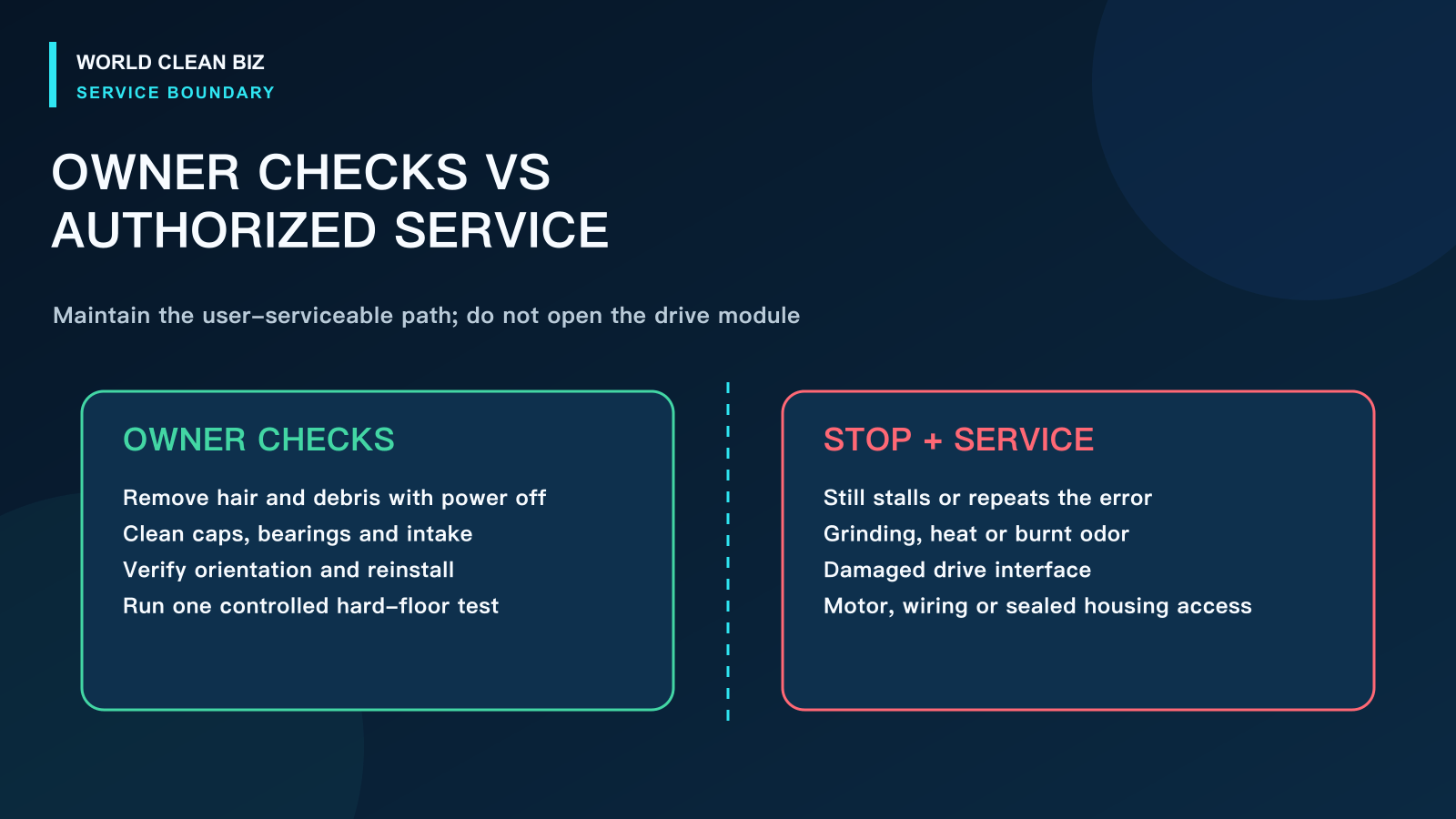
- With the robot powered off, remove hair from the brush body, both ends, bearings, axle area, guard and intake, then reinstall every part in the correct orientation.
- If a clean and correctly installed brush still cannot turn, grinds, overheats or repeatedly reports a brush error, stop before opening the drive module and use authorized service.
In this article 10 sections
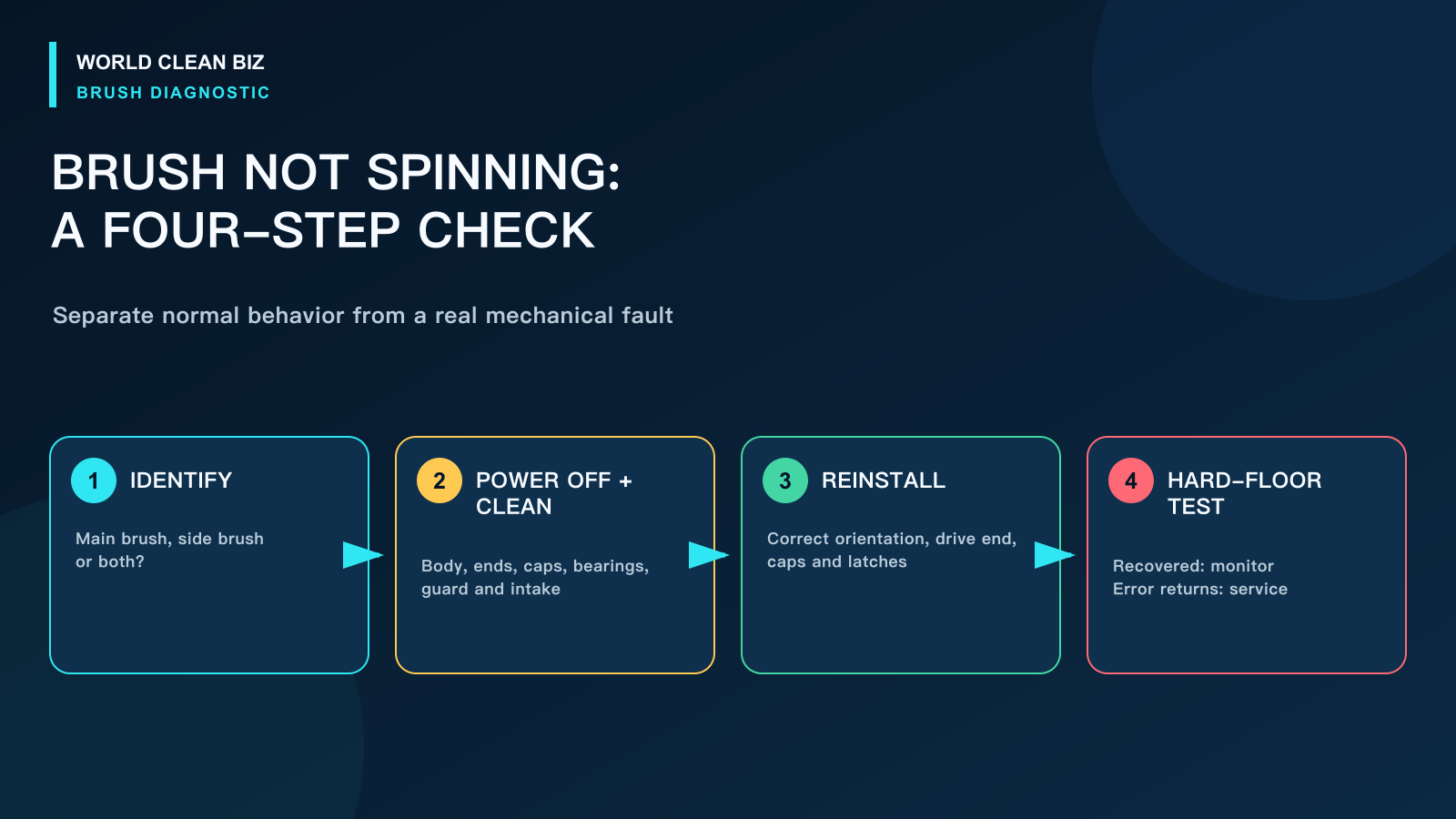
If your robot vacuum brush is not spinning, first identify which brush has stopped and whether the robot is actively cleaning. Some models intentionally slow or stop the main brush while traveling, docking or operating in a special mode. If the brush should be running, power the robot off and check for hair around the brush body, removable end caps, bearings, axle, guard and suction opening before suspecting the motor.
Do not test a jammed brush repeatedly. Continued operation can load the belt, gearbox, motor or control electronics. Record the exact error, the surface and whether the main brush, side brush or both are affected before removing parts.
Brush Problems at a Glance
| What you observe | Leading area to check | First safe action |
|---|---|---|
| Main brush stops on every surface | Hair, brush ends, bearings, guard or drive | Power off, remove and clean the complete brush assembly |
| Side brush does not turn | Hair below the hub, loose fastener or side-brush module | Remove debris using the model-approved procedure |
| Both brushes stop together | Operating state, error, power or control fault | Confirm the robot is in an active cleaning cycle and record the error |
| Brush turns by hand but not during cleaning | Installation, drive coupling, motor or control | Reinstall correctly, restart once, then escalate if unchanged |
| Brush is noisy or pulses | Partial jam, bent part, worn bearing or damaged gear | Stop repeated tests and inspect for resistance or damage |
| Brush spins in open air but stops on carpet | Heavy load, deep-pile carpet, tangle or worn drive | Test on a hard floor after cleaning; check the manual's carpet limits |
| Brush stopped only while traveling to a room | Possible normal behavior on some models | Compare with the exact manual and an active cleaning pass |
1. Identify Which Brush Has Stopped
A robot vacuum can have a central roller or extractor, one or two edge-sweeping brushes and, on some products, separate mop or detangling mechanisms. “The brush stopped” is not specific enough for diagnosis.
Start a short supervised clean on a clear hard floor. Observe from a safe distance and use the App or error history when direct viewing is not possible. Do not turn the robot over while it is powered or insert fingers near moving parts.
- Main brush only: concentrate on the roller, end caps, bearings, guard, intake and drive coupling.
- Side brush only: inspect hair beneath the hub, the fastener, deformation and the side-brush module.
- Both brushes: confirm the robot is actually cleaning rather than relocating, docking, paused or in an error state.
iRobot documents a model-specific Quiet Drive behavior in which certain Roomba s9 units stop the main rollers while traveling to a directed room or returning home. That example is useful because it shows why normal software behavior must be excluded before parts are replaced; it is not a universal rule for other models.
2. Power Off and Remove the Complete Brush Assembly
Follow the exact manual before releasing the brush guard or side brush. With the robot safely powered off, remove the central brush and any user-removable end caps or bearings. Hair often packs tightly at the ends where it is less visible than debris wrapped around the middle.
Inspect and clean:
- the full brush or extractor body;
- both removable ends, caps and axle points;
- the bearing pockets and drive-side coupling;
- the underside of the brush guard;
- the suction opening behind the brush;
- the side-brush hub and the space below it;
- accessible wheel areas if the error mentions several moving parts.
iRobot's official main-brush care instructions specifically call for cleaning the ends, end caps or axles and clearing the vacuum path. Roborock manuals similarly separate a jammed main brush from a jammed side brush and direct the owner to clean the relevant brush and bearings.
Do not cut toward the brush body, pry sealed bearings apart or lubricate a part unless the manufacturer expressly instructs it. Oil can attract dust or reach a belt, sensor or motor.
3. Check the Brush Guard and Installation
A clean brush can still fail if it is installed backward, an end cap is missing, the guard is not latched or debris prevents the assembly from sitting at the correct height.
Before reinstalling, compare the drive end and free end with the manual illustrations. Confirm that every cap and bearing returns to its original side. Press the guard only as instructed and verify that all latches close without force.
After assembly, the brush should have the model's normal amount of movement. “Spins freely” does not mean the same resistance on every drive system, so do not judge a motor from hand feel alone. Compare left and right side brushes only when the model actually uses the same design on both sides.
4. Run One Controlled Hard-Floor Test
Use a clean, dry hard floor with cables, fringe and loose debris removed. Start a normal vacuum cycle rather than a return-to-dock command or room-transit stage.
Interpret the result:
- Brush now runs normally: the cause was probably debris, a displaced cap or incorrect installation. Monitor the next full run.
- Brush starts and stops with a new error: preserve the error and stop repeated tests; resistance or drive feedback may still be abnormal.
- Brush runs on hard floor but stalls on thick carpet: check the product's carpet and rug limits, remaining hair and brush wear.
- Brush remains stationary without visible blockage: the drive coupling, belt, gearbox, motor, wiring or controller may require service.
Do not hold the robot in the air to defeat wheel or cliff sensors. That can create unsafe movement and unreliable results.
5. Inspect for Wear or Physical Damage
Replace only model-approved user-serviceable parts. A roller with torn rubber fins, a warped shaft, a seized end cap or a side brush that no longer sits flat can create drag even after cleaning.
Look for:
- melted or polished areas caused by friction;
- an end cap that will not rotate as designed;
- a bent brush shaft or distorted guard;
- missing bristles or split rubber vanes;
- a rounded or cracked drive interface;
- heat, odor or grinding from the brush-module area.
If a new approved brush also fails, do not continue buying consumables. The fault may be in the module that drives the brush.
When to Stop and Use Service
Use authorized service when a correctly installed, clean brush still will not operate, the module makes a grinding sound, the error returns immediately, the housing becomes hot, liquid entered the robot or access would require opening the sealed underside or electrical enclosure.
Brush modules differ. Some products expose a replaceable side-brush module, while others integrate the motor, gearbox, wiring and seals more deeply. Verify the complete model and market version before ordering a module.
For support, provide the serial number, firmware version, exact error, a photo of the cleaned assembly and a short supervised video on hard floor. This is more useful than reporting only “brush broken.”
FAQ
Why is my robot vacuum side brush not spinning?
Hair may be trapped below the hub, the brush may be deformed or incorrectly installed, its fastener may be loose, or the side-brush module may have failed. Clean and reinstall it using the exact model procedure before replacing the module.
Can hair stop the main brush even when the middle looks clean?
Yes. Hair commonly packs around the ends, end caps, bearings and axle points. Remove the complete user-serviceable assembly and clean every approved contact area.
Is it normal for a robot vacuum brush to stop sometimes?
It can be. Some models change brush behavior while traveling, docking, paused or using a special mode. Confirm the exact product behavior during an active cleaning cycle.
Should I add oil to a robot vacuum brush bearing?
Only if the manufacturer explicitly specifies a lubricant and procedure. Unapproved oil can collect dust, damage materials or migrate into the drive system.
Why does the brush spin on hard floor but stop on carpet?
The carpet may exceed the model's limits, or hidden hair, a worn brush end, high drag or a weak drive may appear only under load. Clean the assembly and compare a controlled hard-floor test before service.
Final Answer
When a robot vacuum brush will not spin, separate normal operating behavior from a real failure, identify the affected brush, power the robot off and clean the entire brush assembly—including ends, caps, bearings, guard, intake and side-brush hub. Reinstall every part in the correct orientation and run one supervised hard-floor test.
If the clean brush still stalls, grinds, overheats or reports the same error, preserve the evidence and move to authorized service rather than opening the drive module.