- An overheating vacuum often has restricted airflow, a full collector, loaded filter or excessive brush load, but recurring heat can also indicate a motor, battery or electrical fault.
- Power off and disconnect the machine before clearing user-accessible airways, servicing the exact filter and inspecting the floorhead; cooldown times and thermal-reset behavior are model-specific.
- Stop for smoke, burnt odor, a hot cord or plug, battery swelling, melting, sparks or heat that returns after one correct cold test, and never bypass thermal protection.
In this article 14 sections
If your vacuum cleaner is overheating, switch it off, disconnect power and let it cool naturally before inspection. A full bin or bag, loaded filter, blocked hose or floorhead, and a jammed brush can restrict airflow or increase load. If the machine smells burnt, smokes, sparks, melts, has a hot cord or plug, or develops a swollen or abnormally hot battery, stop using it and arrange service.
Some vacuums include thermal protection that stops the motor when temperature rises. The presence, warning pattern, reset method and cooling time vary by model. A shutdown is a protective event—not proof that the vacuum is repaired once it restarts.
Overheating Symptoms at a Glance
| What you observe | Leading area | Safe first action |
|---|---|---|
| Main body becomes hot and suction falls | Full collector, filter or blocked airway | Disconnect power and trace accessible airflow |
| Vacuum shuts off, then later restarts | Thermal protection, battery protection or power fault | Correct the cause before one cold test |
| Floorhead is hot or smells like rubber | Wrapped brush, trapped debris, belt or high surface load | Inspect the floorhead with power disconnected |
| Cord or plug is hot, discolored or damaged | Outlet, plug, cord or internal electrical load | Stop use; do not test another outlet |
| Cordless battery becomes unusually hot | High load, pack, charger or electronics fault | Stop charging or use and follow battery support guidance |
| Heat returns with clear airflow | Motor, fan, bearing, controller or internal restriction | Use authorized service |
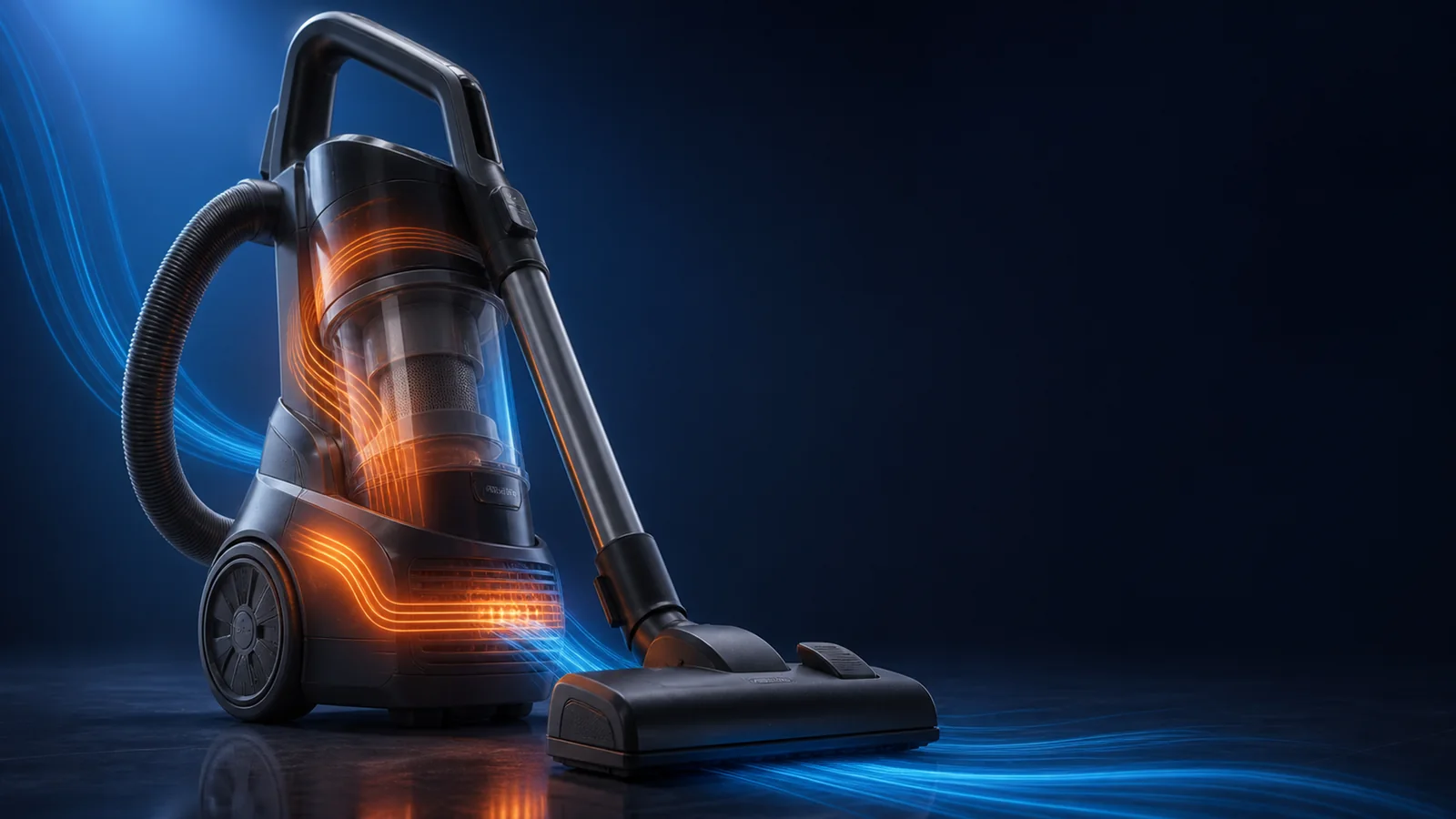
Heat Is a Balance of Airflow and Load
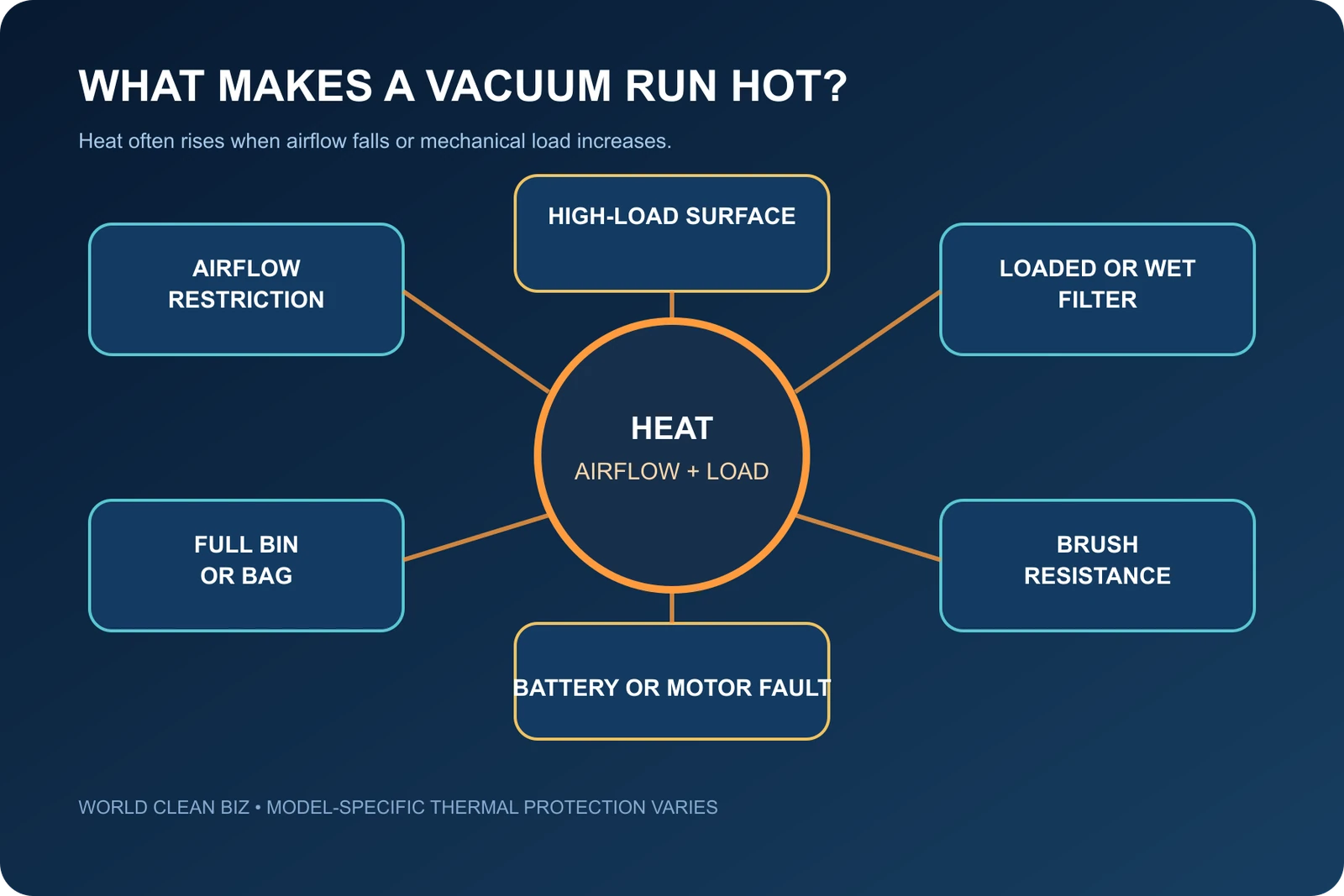
A vacuum motor creates heat during normal operation. The product manages it through designed airflow, ventilation, duty cycle and control logic. Temperature can rise when cooling air is restricted or the motor and brush system are forced to work harder.
Common external contributors include:
- an overfilled bag, bin or tank;
- a loaded, wet or incorrectly installed filter;
- a blockage in the floorhead, wand, hose or inlet;
- hair or thread wrapped around the brush ends;
- a trapped object or damaged belt on a belt-driven model;
- an unsuitable height, floor setting or power mode;
- fine dust that rapidly loads the collection and filter system.
Disconnect Power and Observe the Safety Boundary
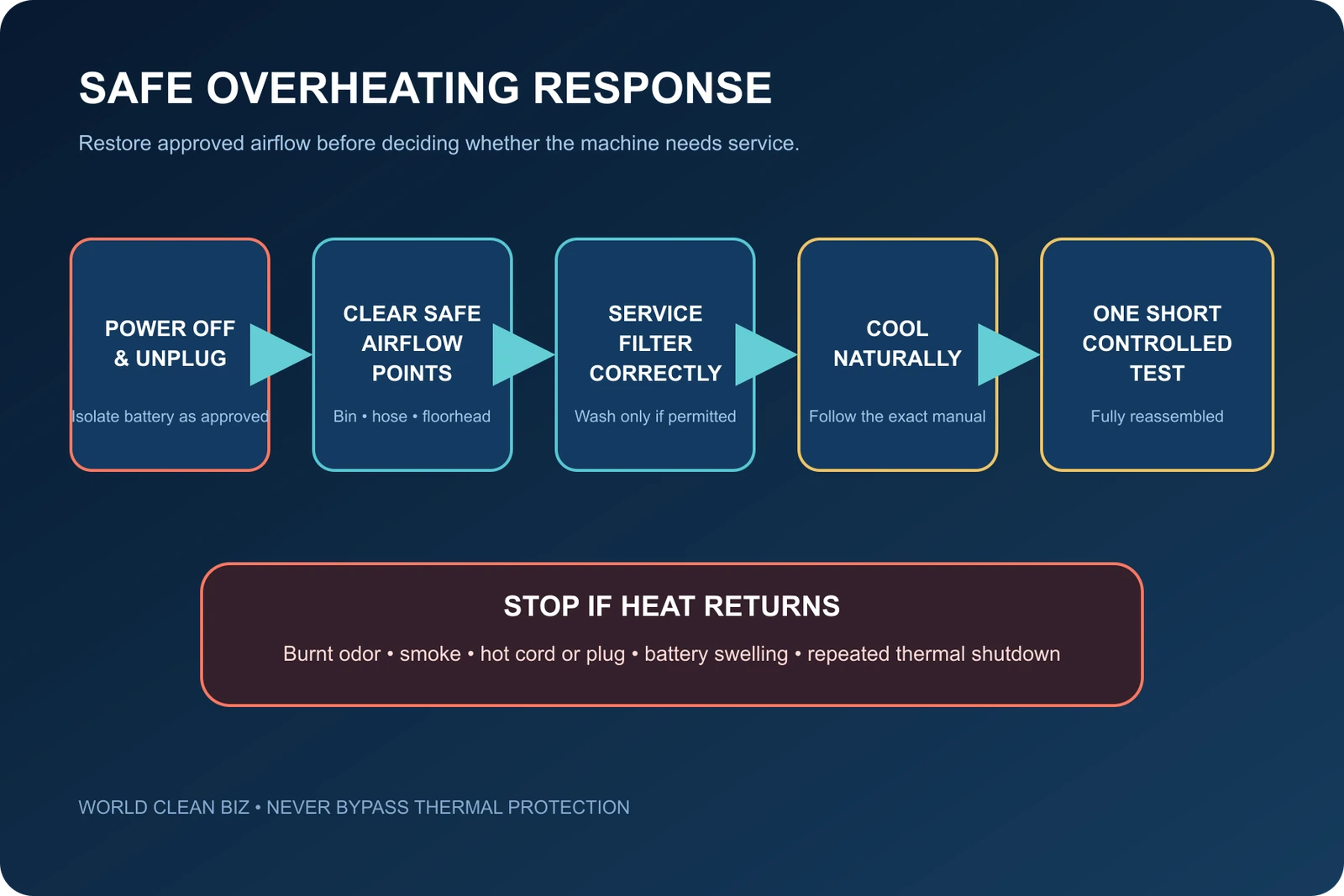
For a corded vacuum, switch off and unplug it. For a cordless model, switch it off and remove the battery only when the manual permits. Do not handle a swollen, leaking or visibly damaged battery.
Let the vacuum cool on a stable surface with its vents unobstructed. Do not accelerate cooling with water, refrigeration or compressed air. Never bypass a thermal switch, bridge a sensor, defeat an interlock or run a machine with the housing open.
Use qualified service immediately for smoke, sparks, melting, a burnt or electrical odor, liquid intrusion, exposed wiring, a damaged plug, a battery event or severe internal noise. The WCB burnt-smell guide covers that higher-risk branch in more detail.
1. Empty the Collector Correctly
A bag or bin does not need to be packed solid to restrict airflow. Fine material can cover a bag's pores, load a cyclone screen or accumulate around the collector inlet.
Check that:
- the bag is the correct type, not torn and seated on its collar;
- the bag or bin is below its specified fill line;
- the bin lid, separator and shroud are clean and fully assembled;
- a wet/dry vacuum is configured for the intended pickup mode;
- collector gaskets are present, clean and undamaged;
- no fine dust is packed at the inlet or around a mesh screen.
Empty the collector outdoors or in a suitable containment area when the debris is dusty. Do not use a household dry vacuum for hot ash, smoking material or substances prohibited by its manual.
2. Service Each Filter by Its Exact Rules
Filters protect the motor and indoor air, but a loaded filter adds resistance. Identify the pre-motor, post-motor and exhaust filters for the exact model and follow the approved cleaning or replacement method.
Some filters are washable; others are not. Some foam elements can be rinsed while a paper or sealed HEPA cartridge must remain dry. If washing is permitted, use the specified method and allow the part to air-dry completely before reinstallation. A damp filter can restrict airflow, carry dirt into the machine and create odor.
Shark's Cordless Pro MultiFLEX manual directs users with low suction or a filter warning to empty the dust cup, clean and completely dry the filters, and check the floor nozzle for blockages. Those maintenance steps illustrate the airflow logic, but the model's parts and timing should not be generalized to other vacuums.
3. Trace the User-Accessible Airway
Inspect the airflow path from the cleaning surface toward the motor:
- floorhead intake and brush chamber;
- floorhead neck and swivel;
- wand or rigid tube;
- flexible hose and cuffs;
- collector inlet and separator;
- approved pre-motor duct and filter area;
- accessible exhaust outlet.
Remove a blockage without sharp tools that could puncture a hose or damage wiring. Do not reach beyond the disassembly boundary in the manual. If airflow remains weak, use the complete WCB vacuum losing suction guide.
Dyson support documents thermal cutout behavior on specific models and routes overheating checks through filters and blockages. The principle is broadly useful; its stated cooldown time and part sequence belong only to the relevant model.
4. Inspect the Brush, Belt and Floor Setting
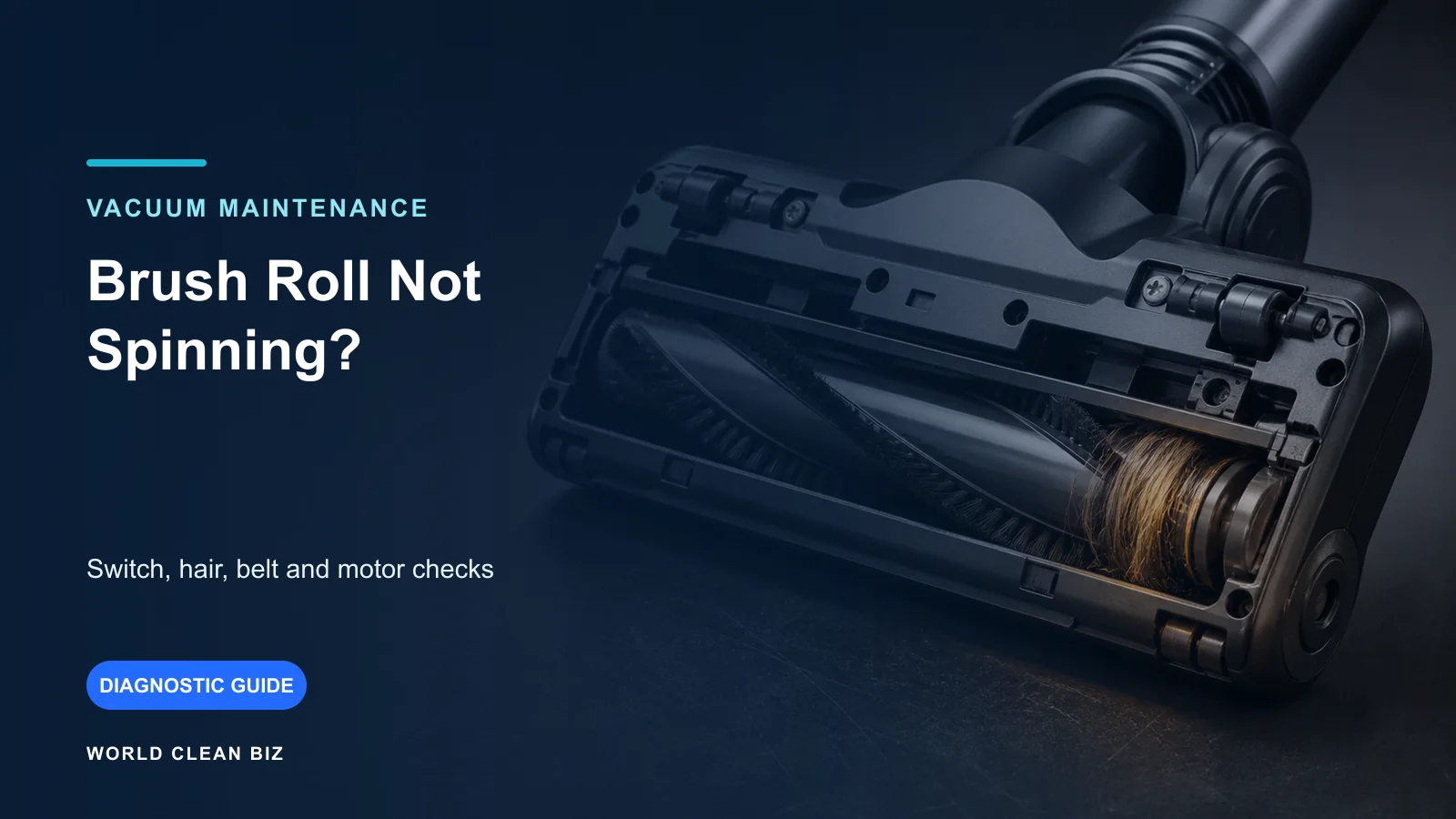
A brush wrapped with hair may rotate slowly while placing heavy load on its bearings, belt or motor. Thick carpet, the wrong height setting, a closed suction-release control or an unsuitable powered-brush mode can also raise resistance.
With power disconnected:
- remove hair and thread from the full brush and end caps;
- look for a hard object trapped in the floorhead;
- check that the roller is straight and installed correctly;
- inspect a user-serviceable belt for glazing, stretching or damage;
- verify the approved height, floor and brush setting;
- make sure the wheels and sole plate move normally.
Not every vacuum has a belt, and many powered cordless floorheads use a motorized drive that should not be opened. If the brush does not rotate, follow the brush-roll troubleshooting guide.
5. Separate Thermal Shutdown from Other Power Problems
If a vacuum stops when hot and later restarts, thermal protection is one possibility. A cordless model may also stop because of battery protection, overload, a controller warning or a weak electrical connection.
Record:
- runtime before shutdown;
- power mode and floor type;
- whether the brush was running;
- bin and filter condition;
- any indicator light or error code;
- whether the battery, charger, cord or plug was hot;
- whether suction, sound or smell changed first.
Do not repeatedly reset the machine. A protective shutdown should trigger cause-finding. For a cordless model whose main symptom is cycling, use the WCB cordless vacuum keeps shutting off guide.
6. Let the Machine Cool Naturally
After correcting accessible airflow and brush problems, allow the vacuum to cool for the period stated in its exact manual. Manufacturer examples range across different designs, so there is no universal number of minutes that is safe for every product.
Keep ventilation openings clear. Do not charge an abnormally hot battery. Do not place the product in direct sun, a hot vehicle, freezer or near a heater. A filter or component washed during maintenance must be fully dry before the product is reassembled, even if the rest of the vacuum is cool.
7. Make One Short, Fully Reassembled Test
Test only when:
- no smoke, electrical odor, melting, cord damage or battery warning occurred;
- the bin, filters, hose, brush and guards are correctly installed;
- washed parts are completely dry;
- the machine has cooled according to the manual;
- the suspected cause was corrected without prohibited disassembly.
Use the original attachment, floor and power mode for a short comparison. Check airflow, sound, brush movement, odor and warning lights. Stop immediately if heat rises rapidly, the shutdown repeats or a burnt smell appears.
When the Motor, Battery or Electronics Become Likely
An internal fault becomes more plausible when the collector and filters are correct, accessible airways are clear, the brush turns freely, the floor setting is appropriate, the vacuum is fully cool and the same overheating returns.
Use service when:
- the motor housing becomes abnormally hot with clear airflow;
- a new internal grinding, roaring or electrical sound appears;
- the cord, plug, switch or connector heats or discolors;
- the battery swells, leaks, smells, becomes unusually hot or will not cool normally;
- the charger or charging port overheats;
- thermal or overload protection activates repeatedly;
- access to the suspected blockage or fan requires opening a sealed housing.
Provide the model, serial number, runtime, power mode, floor type, warning code and maintenance history to support. That evidence is more useful than repeated restart attempts.
FAQ
Why does my vacuum get hot and shut off?
Restricted airflow, a full collector, loaded filter, blocked hose or brush resistance can raise temperature and trigger protection. Battery, motor and electrical faults can produce the same symptom. Correct the external cause before restarting.
How long should I wait for an overheated vacuum to cool?
Use the exact manual. Cooling times and reset behavior vary by product. Do not use a generic internet time as a substitute for model-specific instructions.
Can a dirty filter make a vacuum overheat?
Yes. A loaded or damp filter can reduce airflow. Clean or replace it only as directed, and reinstall a washable filter only when completely dry.
Why is only the floorhead hot?
Hair wrap, a seized brush end, trapped debris, belt friction or excessive surface contact can concentrate heat in the floorhead. Disconnect power before inspection.
Is it normal for a cordless vacuum battery to feel warm?
Some warmth under load can be normal, but unusual heat, swelling, leakage, odor, charging-port damage or repeated protection is not a household repair. Stop use and contact the manufacturer.
Can I keep using a vacuum that restarts after cooling?
Not until the cause has been checked. Restarting proves that a protection state cleared, not that the filter, blockage, brush, battery or motor problem is resolved.
Final Answer
When a vacuum cleaner overheats, disconnect it and restore the approved airflow path: empty the collector, service the correct filters, clear user-accessible blockages and remove brush load. Let it cool for the exact model's specified period, then perform only one short, fully reassembled test.
Stop for smoke, burnt odor, electrical damage, a hot cord or plug, battery swelling, severe noise or heat that returns. Never bypass thermal protection or open a sealed motor or battery to keep the vacuum running.