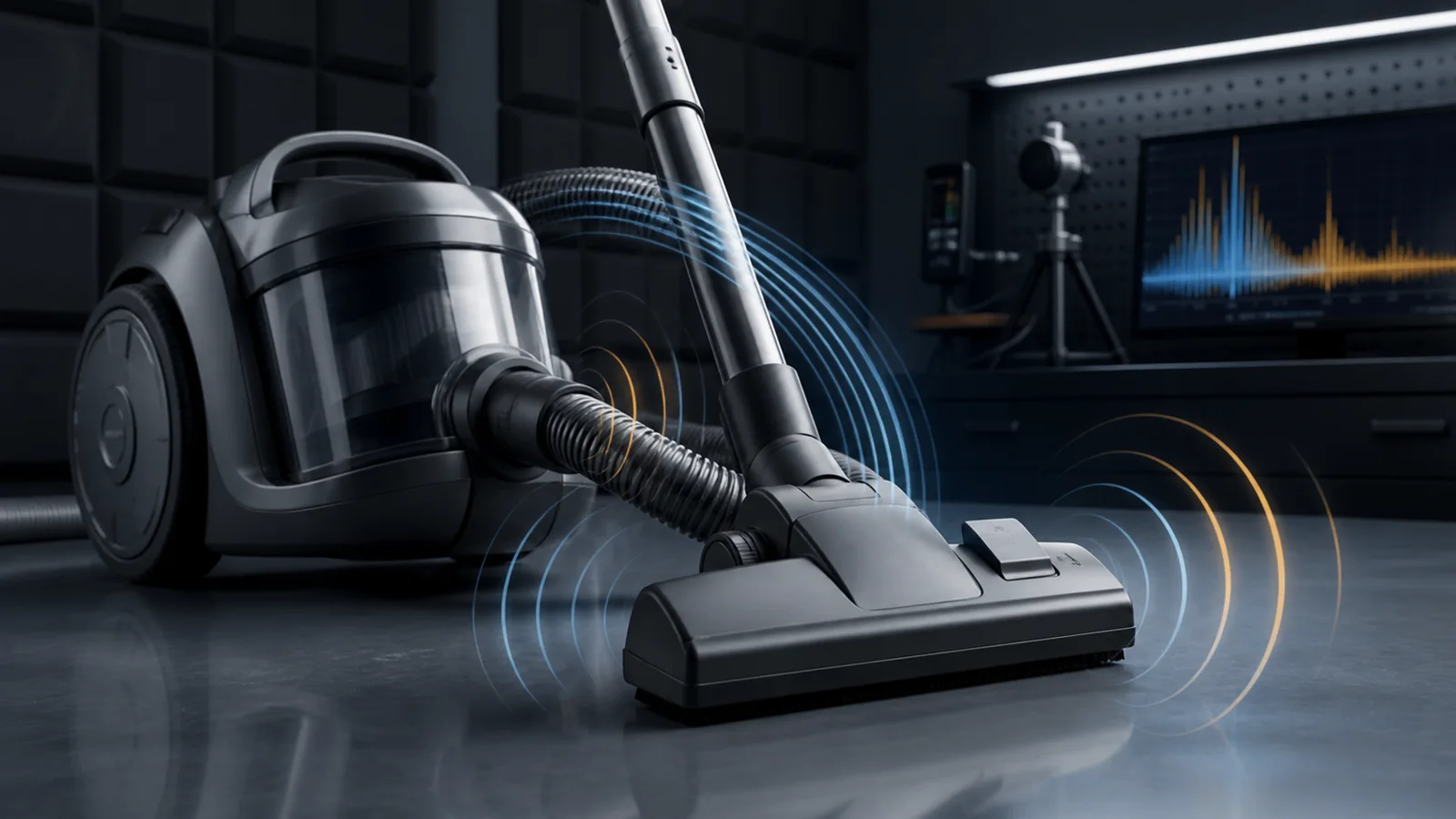
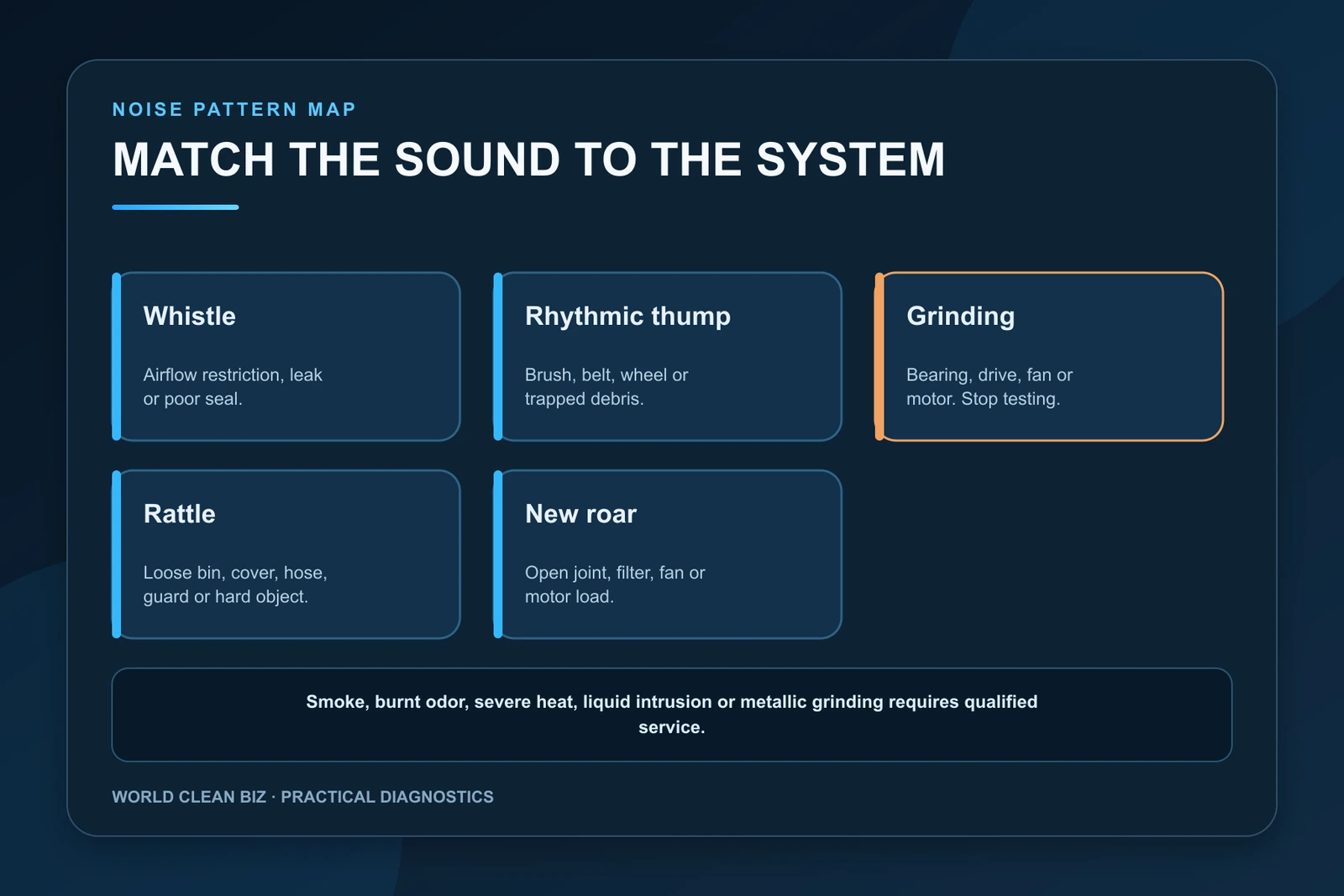
- Match the sound pattern to the system: a whistle often indicates an airflow restriction or leak, while a rhythmic thump usually follows a rotating part.
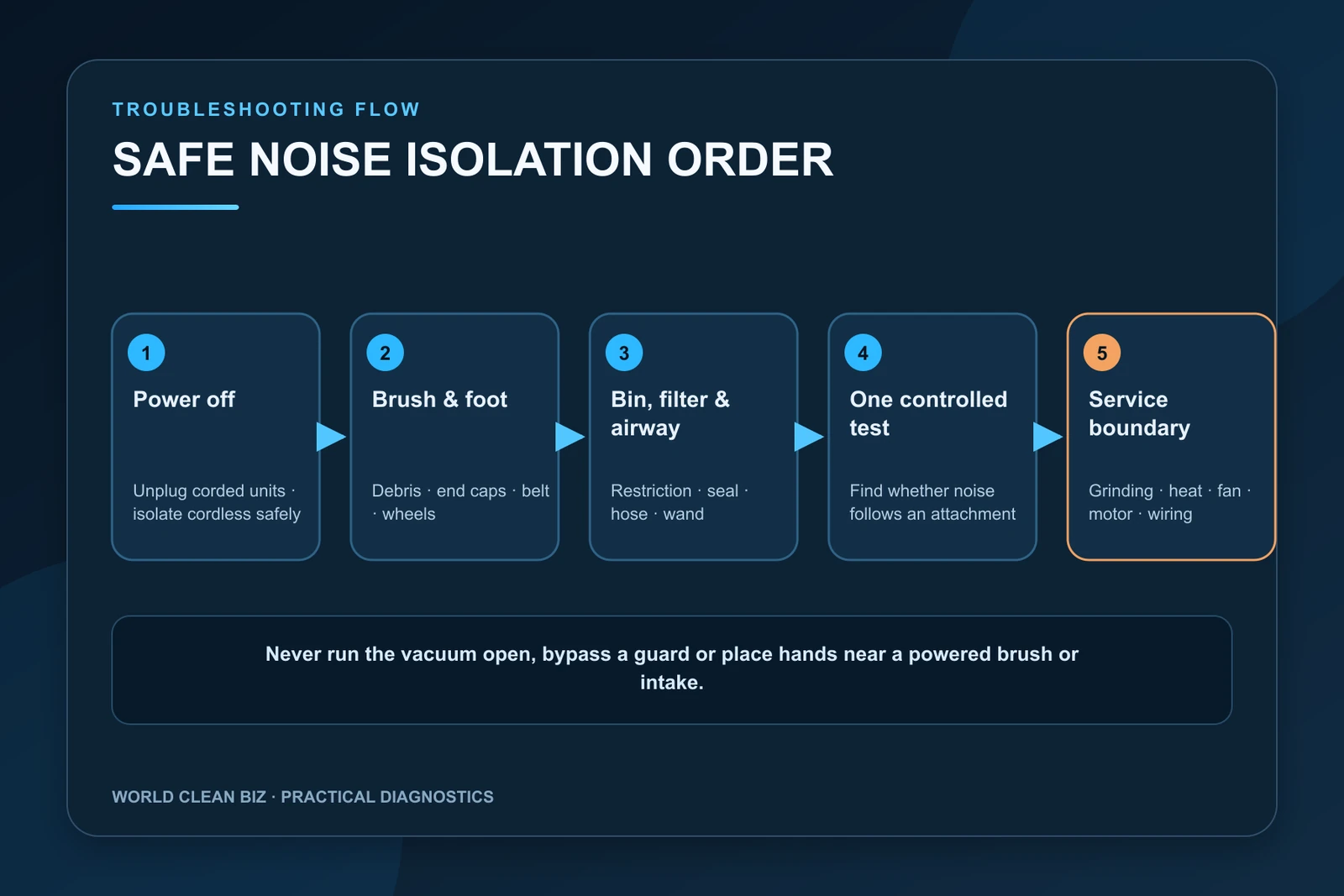
- Switch off and unplug a corded vacuum, or isolate a cordless battery only as its manual permits, before inspecting the brush, foot, bin, filter, hose and airway.
- Stop for grinding, smoke, burnt odor, severe heat, liquid intrusion or an internal fan or motor noise; do not run the vacuum open or bypass its guards.
In this article 13 sections
If your vacuum cleaner is making a loud noise, identify the sound before removing parts. A high whistle usually points to restricted airflow or a leak. A rhythmic thump often follows the brush roll, belt, wheel or trapped debris. Grinding suggests a damaged rotating part, bearing or drive system. A rattle may come from a loose cover or hard object, while a new roar can involve the bin, filter, hose, fan or motor. Switch off and disconnect power before inspection.
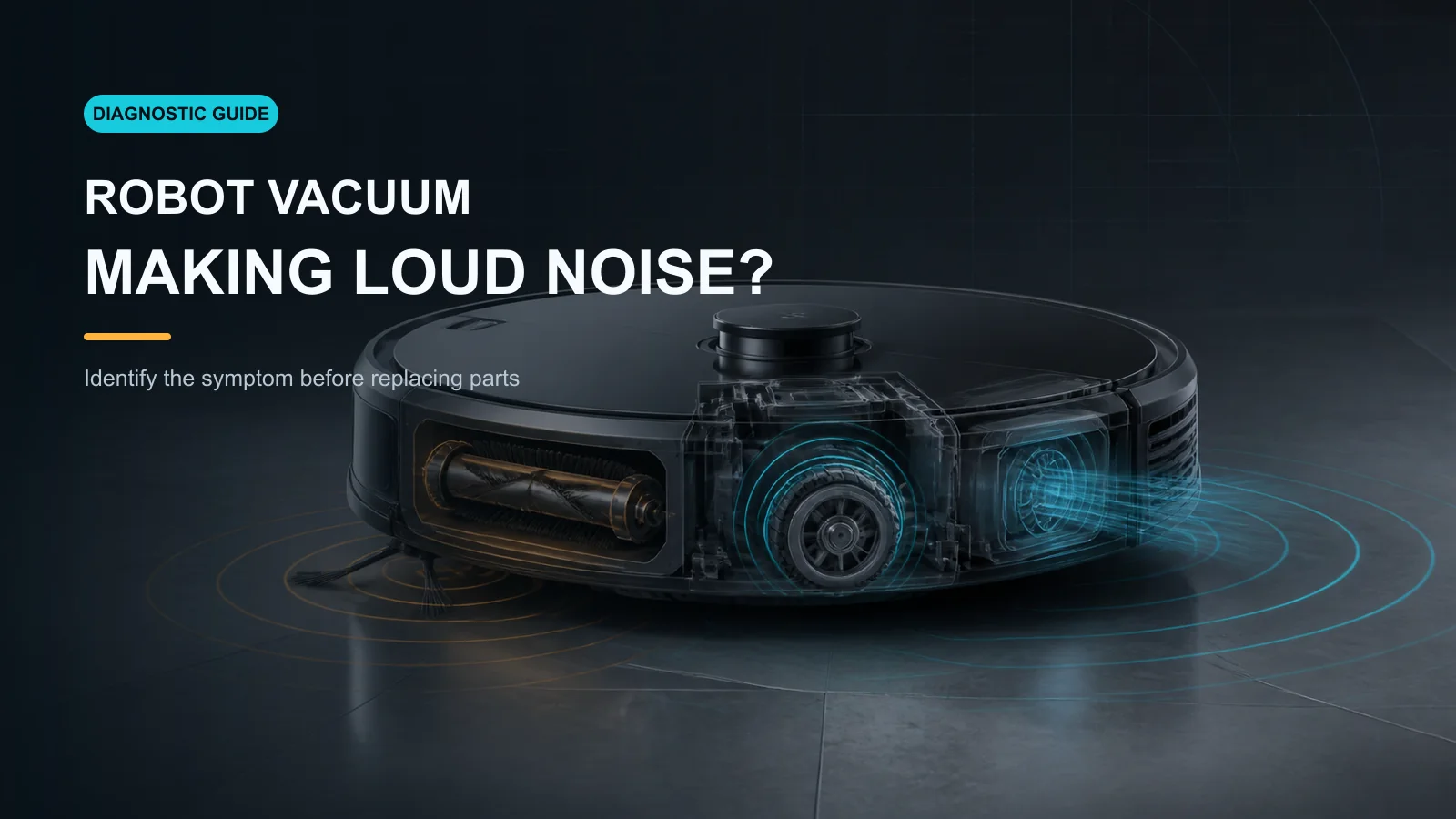
This guide covers household upright, canister and cordless vacuums. For an autonomous cleaner, use the separate WCB robot vacuum loud-noise guide.
Vacuum Noise Patterns at a Glance
| Sound or condition | Leading area | First safe action |
|---|---|---|
| High-pitched whistle | Blocked hose, loaded filter, air leak or poor seal | Disconnect power and inspect the airflow path |
| Thump once per brush turn | Wrapped hair, damaged brush, belt or trapped object | Inspect the complete floorhead and brush ends |
| Grinding or metallic scrape | Brush bearing, belt drive, fan, motor or hard debris | Stop repeated testing and locate the source |
| Rattle after maintenance | Loose bin, filter cover, hose, wand or guard | Reinstall every user-removable part correctly |
| Sudden deep roar | Open airflow joint, missing filter, fan or motor | Check seals and user-serviceable parts before service |
| Noise only on one carpet | Height setting, brush contact or surface load | Compare on clear hard floor using the correct setting |
| Noise with heat or burnt odor | Belt, motor, battery or electrical fault | Stop immediately and use qualified service |
Disconnect Power Before Inspection
For a corded vacuum, switch it off and unplug it from the wall. For a cordless vacuum, switch it off and remove the battery only when the manual permits removal. Keep the machine disconnected while hands or tools are near the brush, belt, impeller or electrical connections.
Stop and use service if there is smoke, a burnt smell, severe heat, sparks, liquid intrusion, exposed wiring, a damaged battery, a broken belt guard or persistent internal grinding. Never run a vacuum with the housing open, defeat an interlock or hold a spinning brush in your hand.
1. Record the Sound and When It Starts
Before cleaning anything, note:
- whether the noise starts with the main motor or only when the brush is engaged;
- whether it follows one wheel or brush revolution;
- whether it changes when the hose, wand or floorhead is attached;
- whether it occurs only on carpet or at a high power setting;
- whether suction has also fallen;
- whether the bin, filter, belt or brush was recently serviced.
A short recording can preserve the original evidence. Do not keep operating the vacuum simply to make the fault louder.
2. Trace a High-Pitched Whistle Through the Airway
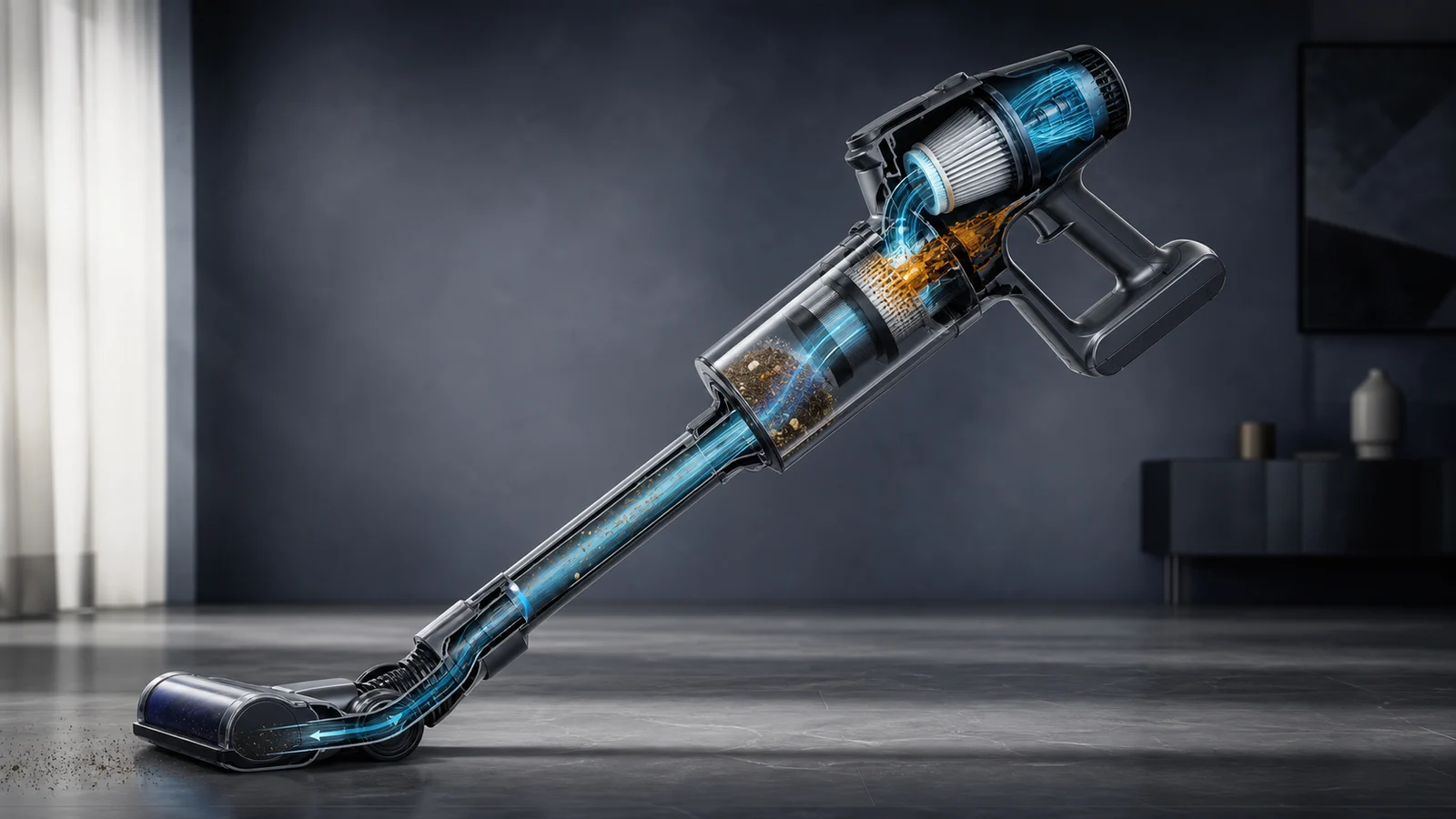
BISSELL’s official cordless excessive-noise procedure identifies a high-pitched whistle with airflow restriction. Inspect the user-accessible path from the floor nozzle through the wand or hose, bin, separator and filter.
Look for:
- a full bin or material wrapped around a separator;
- a loaded, wet or incorrectly installed filter;
- a sock, paper or compacted debris in the hose or wand;
- a cracked hose, loose cuff or poorly seated bin;
- a flap, cover or seal that did not close after maintenance.
Service the filter exactly as specified. Some filters are washable; others are not. Every washable filter must be completely dry before reinstallation. If suction is also weak, follow the full WCB vacuum losing suction guide.
3. Match a Rhythmic Thump to the Brush or Wheel
A sound that repeats at a steady interval usually follows a rotating part. Disconnect power and inspect the floorhead, brush roll, end caps, belt area, wheels and sole plate.
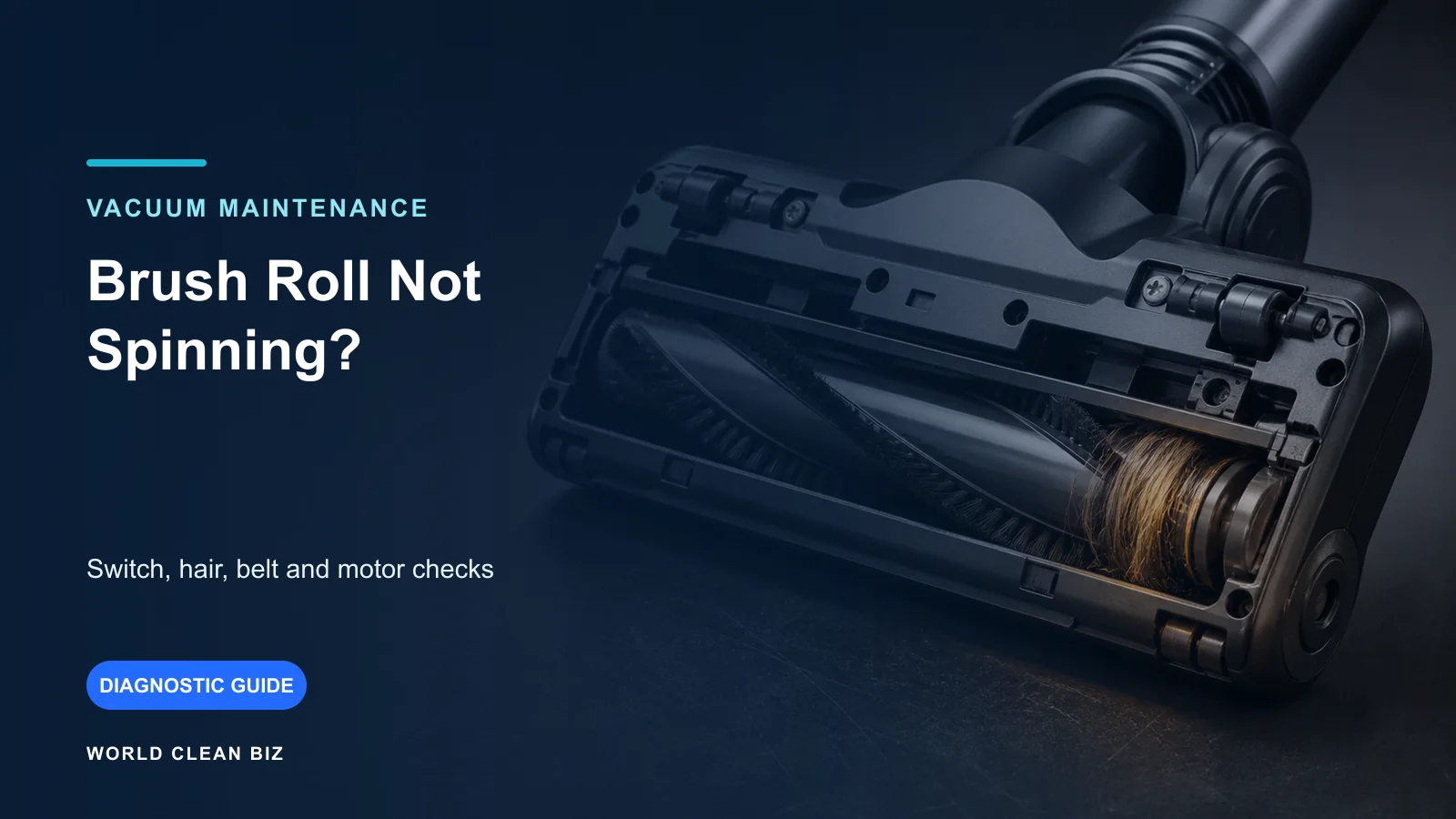
Remove hair and thread from the full brush length and both ends. Look for a damaged bristle row, warped roller, missing cap, loose fastener, trapped hard object or debris embedded in a wheel. Confirm that the brush guard and access plate are fully latched.
BISSELL’s CleanView and PowerClean noise guidance includes brush, belt, hose, filter and height-setting checks. A low height setting on thick carpet can increase contact and noise on models that provide height adjustment.
Do not reuse a stretched, cracked, glazed or partially torn belt. Replace only with the specified part and follow the guard-removal procedure for the exact model. If the brush does not rotate, use the brush-roll troubleshooting guide.
4. Treat Grinding as a Stop Signal
Grinding is different from normal airflow or brush contact. It can result from a hard object striking the brush or fan, a failed bearing, a damaged belt drive, a deformed brush roll or internal motor contact.
With power disconnected, remove only user-serviceable parts and check for a coin, stone, screw, glass fragment or other hard debris. If the floorhead can be separated under the manual, determine whether the visible damage is in that attachment.
Do not continue testing an internal grinding sound after accessible debris is removed. Fan, bearing, gearbox and motor diagnosis can expose high-speed parts and electrical hazards and belongs with qualified service.
5. Reinstall Loose Parts That Cause Rattles
A rattle that begins after emptying or maintenance often comes from a component that is present but not fully seated. Check the dust bin, cyclone or separator, filter frame, cover, hose cuffs, wand, brush cap, access plate and accessory clip.
Install each part in its original direction until the specified latch engages. Do not add tape, wedges or padding near an airflow seal, moving assembly or cooling path. A broken latch or cracked housing should be replaced rather than forced closed.
For canister and upright vacuums, inspect the hose for cracks and ensure it is fully connected at both ends. BISSELL’s Total Floors support likewise routes excessive-noise diagnosis through hose, filters, brush and belt areas.
6. Isolate the Floorhead, Hose and Main Body
If the exact manual permits attachment removal, make one short controlled comparison after every part is correctly reinstalled.
- Noise follows the powered floorhead: inspect its brush, caps, belt or brush motor.
- Noise follows a hose or wand: recheck for a restriction, crack or loose joint.
- Noise remains in the bare main body: the bin, filter, fan or motor becomes more likely.
- Noise occurs only on carpet: verify the approved floor or height setting and brush condition.
- Noise changes only with power mode: compare with the model’s normal sound profile after airflow maintenance.
Keep the intake clear of fingers, hair and loose clothing. Do not run the machine without required filters, guards or bins, and do not perform a test configuration the manufacturer does not support.
7. Check Cordless Battery and Thermal Clues
On a cordless machine, unusual noise combined with heat, unstable speed or rapid shutdown can involve high mechanical load, restricted cooling, battery protection or electronics. Let the product cool naturally at room temperature after clearing the user-serviceable airway and brush.
If the motor speed surges, the battery becomes unusually hot, or the same warning returns, stop. Do not open the battery or motor housing. Use the exact approved charger and battery; unrelated power problems can complicate noise diagnosis.
Tineco’s PURE ONE S11 unusual-noise support directs users through attachment, brush and airflow checks before support. The principle is useful, but its steps and parts are specific to that model family.
When to Use Authorized Service
Use qualified service when:
- grinding, metallic scraping or severe vibration remains after visible debris is removed;
- the fan or motor produces a new internal roar;
- a brush bearing, belt drive or powered floorhead is damaged beyond normal user replacement;
- the vacuum overheats, smells burnt, sparks or changes speed erratically;
- liquid reached the motor, battery or electronics;
- a power cable, battery, switch, housing or safety guard is damaged;
- correct reassembly and one short controlled test do not resolve the noise.
Provide the model, serial number, sound recording, floor type, power mode and the attachment configuration that reproduces the fault.
FAQ
Why did my vacuum suddenly get very loud?
A blockage, loaded filter, loose hose, trapped hard object, brush tangle or incorrectly seated bin can change the sound suddenly. Grinding, heat or burnt odor requires immediate shutdown.
Can a clogged filter make a vacuum louder?
Yes. Restricted airflow can create a whistle or change fan pitch. Clean or replace the filter exactly as the manual directs and never reinstall a washable filter while damp.
Why does my vacuum make a loud noise only on carpet?
Carpet increases brush contact and motor load. Check the model’s floor or height setting, the brush and belt condition, carpet pile and any loose fringe.
Is a rattling vacuum motor dangerous?
A rattle may be a loose user-removable part, but an internal metallic rattle, vibration, heat or burnt smell should not be tested repeatedly. Disconnect power and use service.
Can I oil a noisy vacuum brush or motor?
Only if the exact manufacturer instructions identify an approved lubrication point and product. Generic oil can damage belts, attract dirt or reach electrical components.
Final Answer
When a vacuum cleaner makes a loud noise, match the sound to the likely system, disconnect power and inspect the brush, wheels, bin, filter, hose and user-accessible airway. Reinstall every part correctly, then run only one short supported test to see whether the noise follows the floorhead, hose or main body.
Stop for grinding, severe vibration, heat, smoke, burnt odor, liquid intrusion or an internal fan or motor noise. Those conditions require qualified service, not open-machine testing.