- First classify the odor as dry dusty, damp or sour, sewage-like, chemical, burnt-electrical or battery-related; the safety response differs.
- Empty and clean only the washable parts named by the manual, dry every reusable component completely and service mop pads, tanks, trays and dock wastewater promptly.
- A burnt smell, hot battery area, smoke, melted plastic, leaking internal hose or odor that persists beyond accessible cleaning requires immediate shutdown and service.
In this article 12 sections
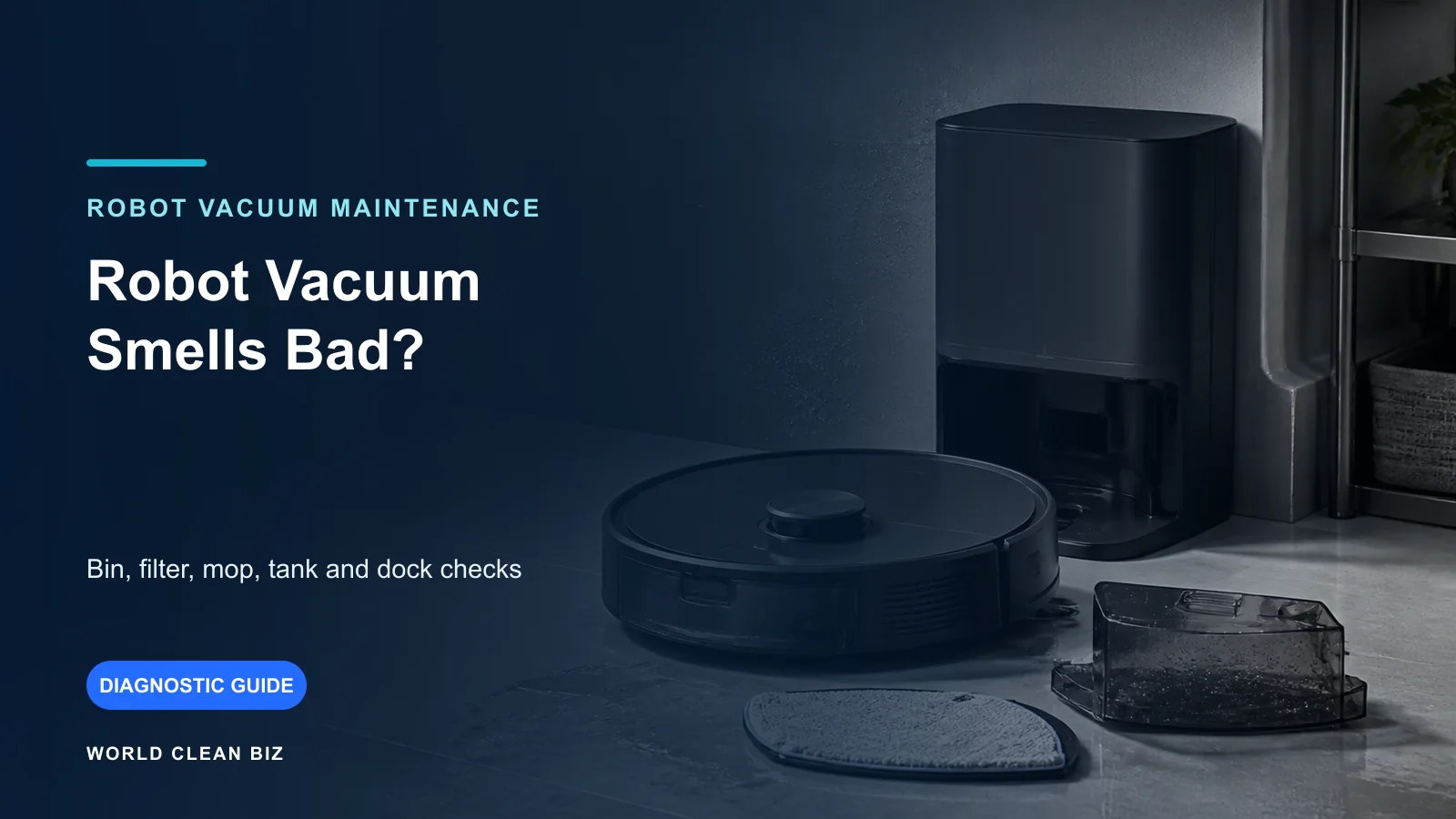
If your robot vacuum smells bad, stop the mission and identify the odor before cleaning. A dry dusty smell usually starts in the bin, filter or airflow path. A damp, sour or sewage-like smell points toward wet mop pads, stagnant tanks, a dock tray or wastewater path. A burnt, hot, chemical or battery-like odor is a safety warning: power down, unplug the dock if safe and use authorized service.
Do not spray fragrance or disinfectant into the robot. It can mask the source, wet filters, damage seals or electronics and create residues that reach the floor.
Odor Types at a Glance
| Odor pattern | Leading area to check | First safe action |
|---|---|---|
| Dry dusty or pet smell | Bin, filter, brush chamber or air path | Empty debris and follow dry-part maintenance |
| Damp cloth or sour smell | Mop pad, holder, tank or stored wet module | Remove, wash if permitted and dry completely |
| Sewage-like smell near dock | Dirty-water tank, wash tray, drain or wastewater path | Empty and clean approved dock parts promptly |
| Smell appears only during auto-empty | Dust bag, dock duct or collected debris | Check bag and accessible air path |
| Chemical cleaner smell | Unapproved solution or wrong concentration | Stop use and follow manufacturer cleanup guidance |
| Burnt plastic or electrical odor | Fan, motor, wiring, dock or battery | Stop power immediately and use service |
| Odor returns immediately after cleaning | Hidden hose, seal, motor or internal contamination | Document and escalate rather than adding fragrance |
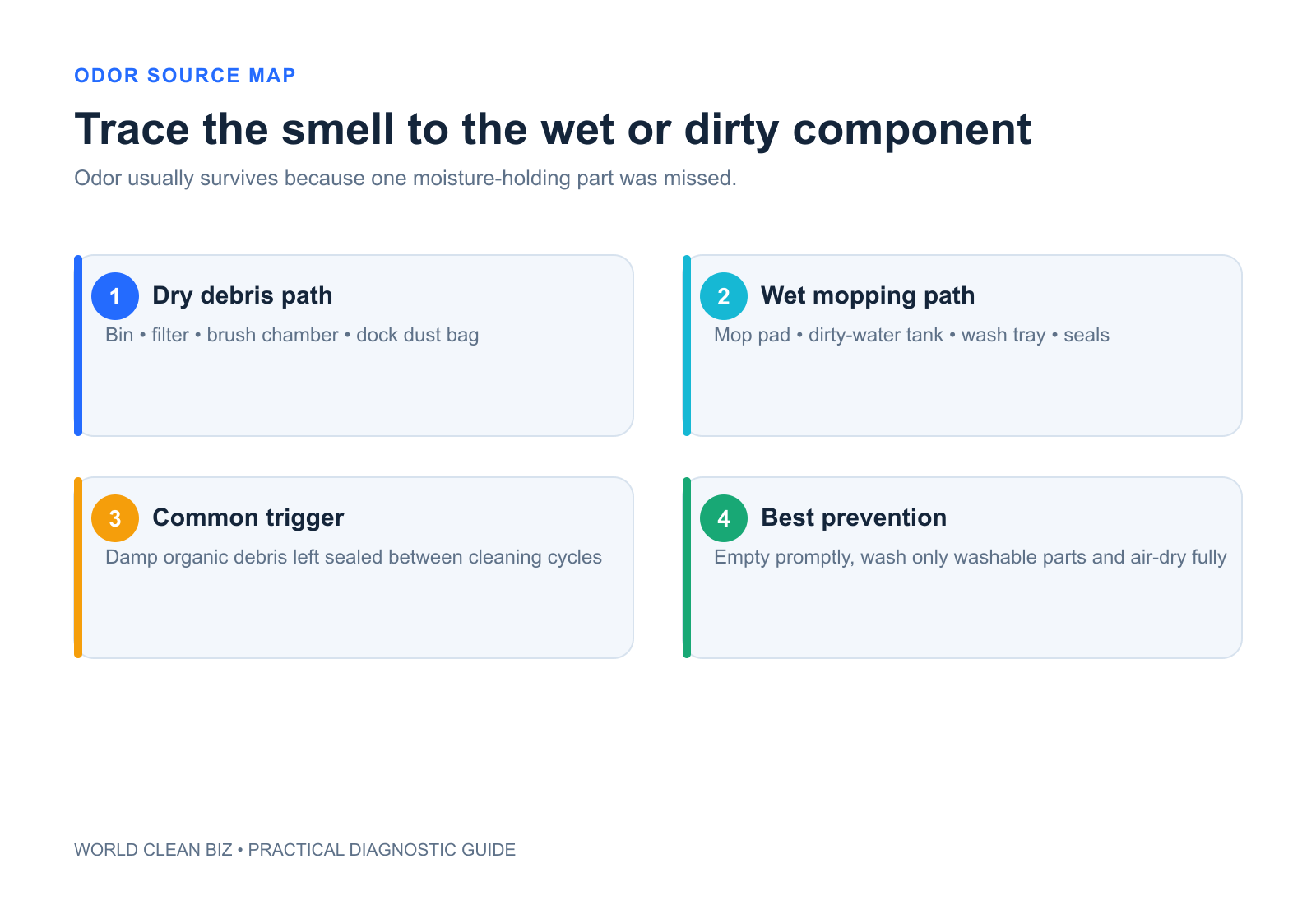
1. Classify the Smell Before Disassembly
Record when the smell appears: while vacuuming, while mopping, during auto-empty, during pad washing, while charging or only after storage. Note the nearest component without placing your face close to an unknown electrical odor.
Stop immediately for smoke, heat, swelling, melted plastic, a burnt smell or liquid around powered electronics. These are not hygiene problems.
For ordinary dust or damp odor, power off the robot and isolate dock power where the manual requires before removing parts.
2. Empty the Bin and Follow the Filter Rules
Old food particles, pet debris and fine dust can smell, especially in humid conditions. Empty the bin and remove debris from the accessible intake and brush chamber.
Check whether the bin and filter are washable. The answer varies even within one brand. iRobot's 500-series guidance says its filter must not be washed, while other model procedures permit rinsing a bin after the filter is removed. Never infer washability from appearance.
If washing is permitted, use the specified method and reinstall only when completely dry. A damp filter can restrict airflow, retain odor and damage the machine.
3. Clean Brushes Without Wetting the Motor Path
Remove hair and organic debris from the main brush, caps, side brush and accessible intake. Wipe or wash only as the manual allows.
Odor that appears with louder suction or poor pickup may involve a blocked filter or airflow path. Use the leaving-dirt-behind guide if cleaning performance is also reduced, or the loud-noise guide if the fan or brush sound changed.
Do not pour liquid through the suction path or reinstall wet brush bearings.
4. Remove and Dry Mop Pads
Wet textile left on the robot or in a closed dock can develop a sour or musty smell. Remove the pad from its holder, clean it using the model-approved method and let it dry completely.
iRobot instructions differ by product: one current pad procedure specifies hand washing in cold water, while another Combo guide permits specified washing methods. Dreame guidance commonly instructs cleaning pads with water and air drying. Use the exact procedure and replacement interval for the installed pad.
Inspect the holder and underside for trapped hair or residue. If rotary pads are not moving, use the mop-pads-not-spinning guide.
5. Empty Water Tanks Promptly
Remove remaining clean water or approved solution after the period stated by the manufacturer. Empty the dirty-water tank promptly after dock washing.
Dreame's W10 manual specifically warns that a dirty-water tank should be cleaned in time to avoid mold or odor. Rinse only with approved materials and inspect seals, floats and accessible surfaces without disassembling pumps or hoses.
Do not mix vinegar, bleach, disinfectant, essential oil or detergent unless the exact product documentation approves it. iRobot's current solution guidance warns that water and vinegar can cause corrosion on supported Combo models.
6. Clean the Dock Tray and Waste Path
For self-washing or auto-empty docks, check:
- dirty-water tank and lid seal;
- washboard, tray, removable filter or drain screen;
- dust bag and accessible evacuation inlet;
- pooled water under removable components;
- pad-drying airflow and whether drying completed.
Disconnect power before any step that requires it. Do not insert tools into pumps, internal hoses, fans or high-voltage areas.
If odor appears only during auto-empty, a bag containing damp debris or an obstructed dock air path may be responsible. Replace consumables only with approved parts.
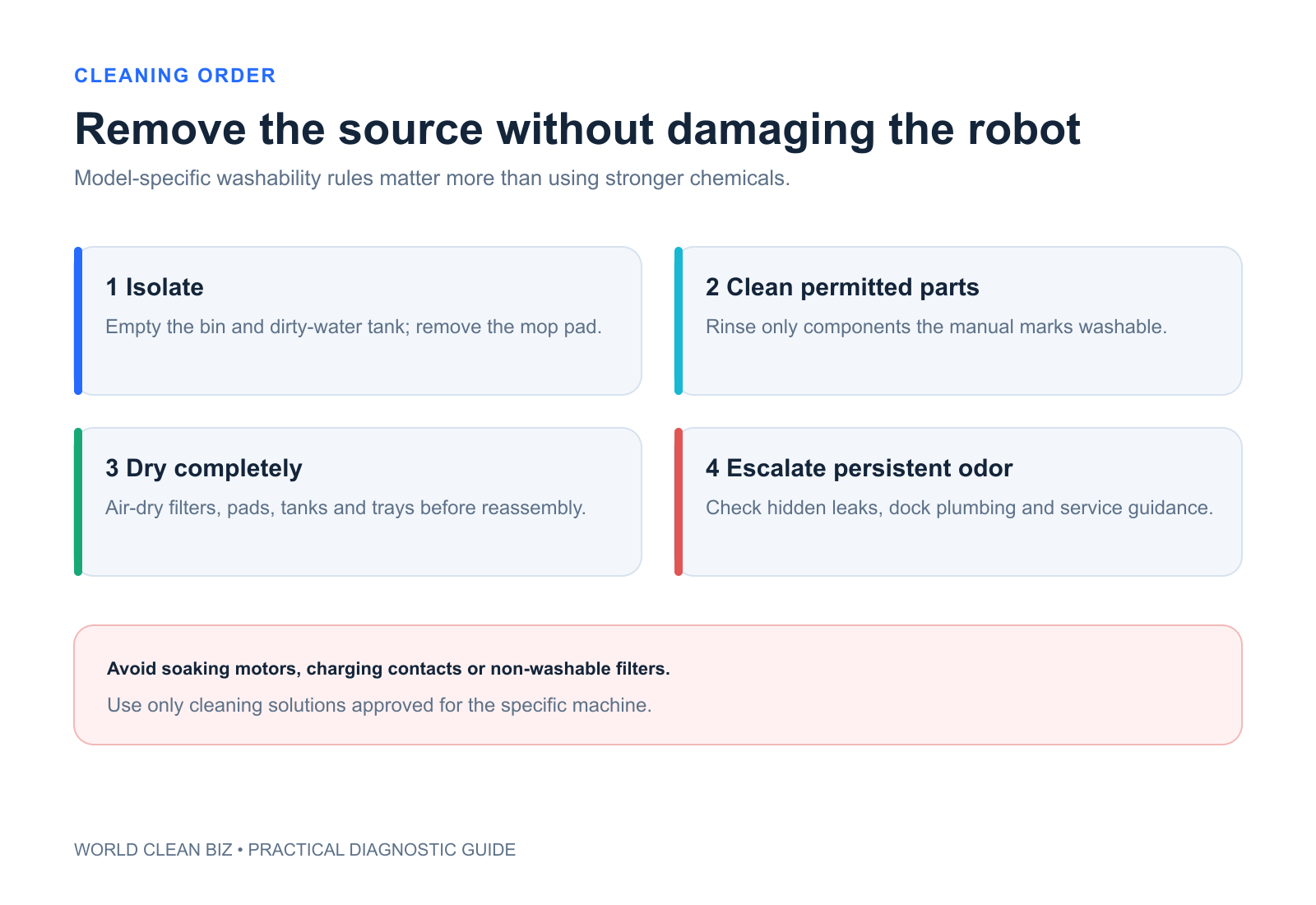
7. Dry Completely Before Reassembly
Set washable parts in a ventilated area until fully dry. Do not use high heat, direct heating appliances or a dryer unless explicitly permitted. Keep wet components away from charging contacts and electrical connectors.
Reassemble with the correct filter, seals, tanks and pads. Run one short supervised task and confirm that there is no leak, abnormal noise, heat or returning odor.
When to Stop and Use Service
Stop and disconnect power if safe for a burnt odor, smoke, melting, unusual heat, swelling or liquid inside an electrical area. Use authorized service when odor persists after all accessible parts are clean and dry, wastewater remains trapped inside a non-serviceable hose, a dock leaks internally, or a motor or fan smells hot.
Provide the model, odor type, exact operating stage, recent liquids or debris, maintenance history, photos and any error.
FAQ
Why does my robot vacuum smell like dirty water?
The leading sources are a dirty-water tank, wet mop pad, wash tray, drain screen or stagnant wastewater path. Empty and clean only the approved removable parts.
Can I wash the robot vacuum filter?
Only if the exact manual says it is washable. Some filters must remain dry even when the bin can be rinsed.
Can I put vinegar or disinfectant in the tank?
Not unless the manufacturer specifically approves it for that model. Unapproved chemicals can damage seals, pumps, surfaces or warranty coverage.
Why does the robot smell only during auto-empty?
The dust bag may contain damp or organic debris, or the dock's accessible evacuation path may need service. Check approved consumables and stop for a hot electrical smell.
How do I prevent mop-pad odor?
Clean pads after use as instructed, empty wastewater promptly and allow pads and washable parts to dry completely before storage or reinstallation.
Final Answer
When a robot vacuum smells bad, classify the odor first. Clean dry debris from the bin, filter and brush chamber using the exact model's rules; wash and fully dry approved mop parts; and promptly empty dirty-water tanks and dock trays.
Do not mask odor with unapproved chemicals. A burnt, hot, chemical or battery-related smell, internal leak or persistent hidden odor requires immediate shutdown and authorized service.
Official Sources
- Dreame: How to Clean and Maintain Your Robot Vacuum
- Dreame W10 Manual — Dirty-Water Tank and Odor Prevention
- iRobot: Clean the Roomba 500 Series Bin and Filter
- iRobot: Roomba 100/1000 Mop-Pad Care
- iRobot: Approved Cleaning Solutions for Roomba Combo
- Roborock Q10 Series Manual — Air-Dry Mop Cloth to Prevent Odors