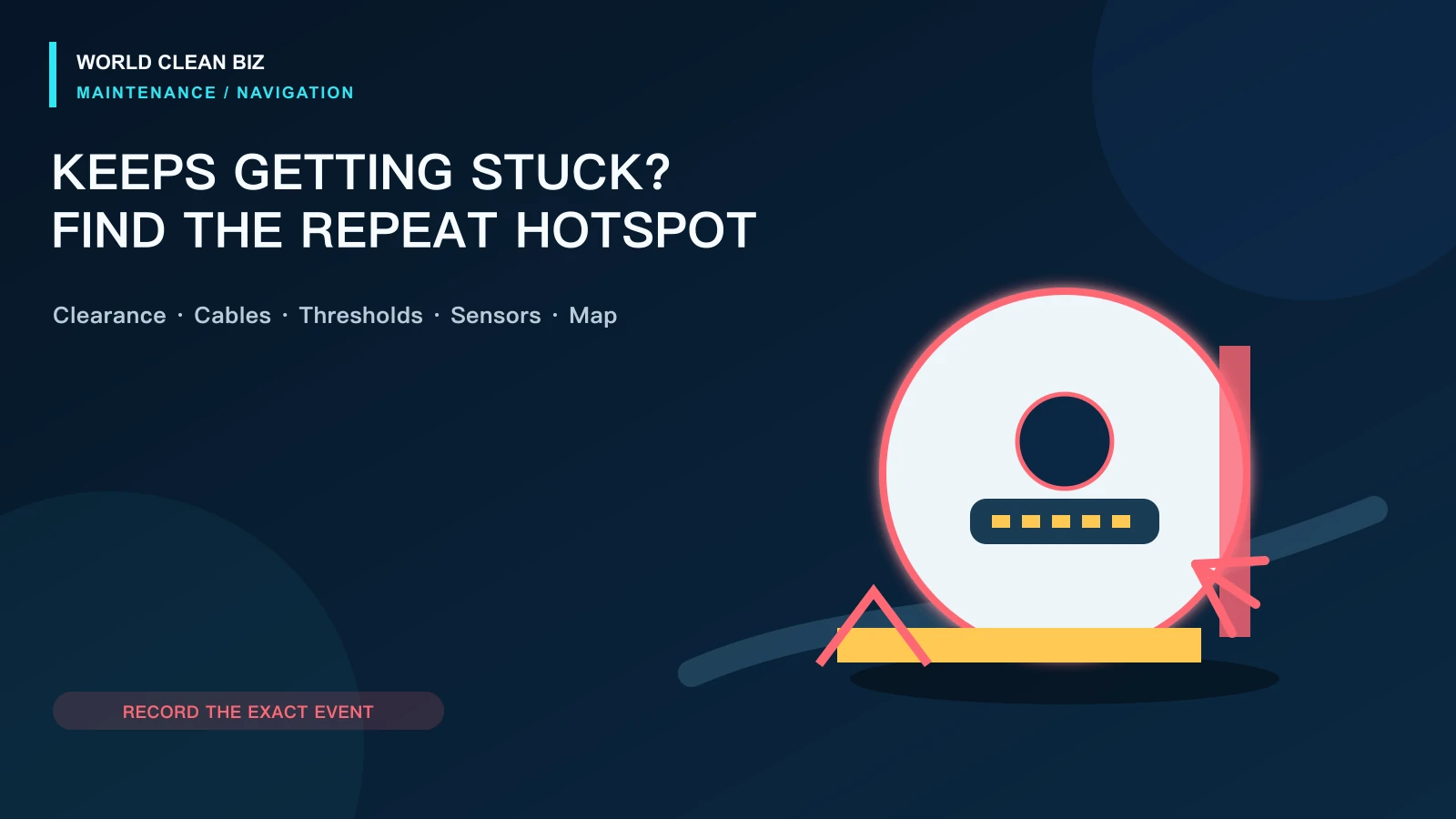
- Record the exact stuck location and failure pattern before changing the map; repeated failures at one point usually need a local environment or restricted-zone fix.
- Remove cables and loose objects, secure rug edges, check furniture clearance, clean approved sensors and verify wheels and bumper movement before remapping.
- Use no-go zones for repeat nonhazard areas, but retain physical barriers at stairs, fireplaces and other hazardous locations as the manufacturer requires.
In this article 12 sections
If your robot vacuum keeps getting stuck, do not begin by deleting the map. First record exactly where and how it stops. Repeated trouble under one sofa, at one threshold or beside one rug usually points to local clearance, geometry or a loose object. Random stops across the home point more toward dirty sensors, restricted wheel or bumper movement, localization problems or a hardware error.
Remove cables, fringe and small objects; secure curled rug edges; check the robot's clearance under furniture; and clean only the sensors and moving parts named in the manual. Use no-go zones to exclude repeat problem areas, but do not rely on a software zone alone where a fall, fire or water hazard exists.
Stuck Patterns at a Glance
| Where or how it gets stuck | Leading cause area | First safe check |
|---|---|---|
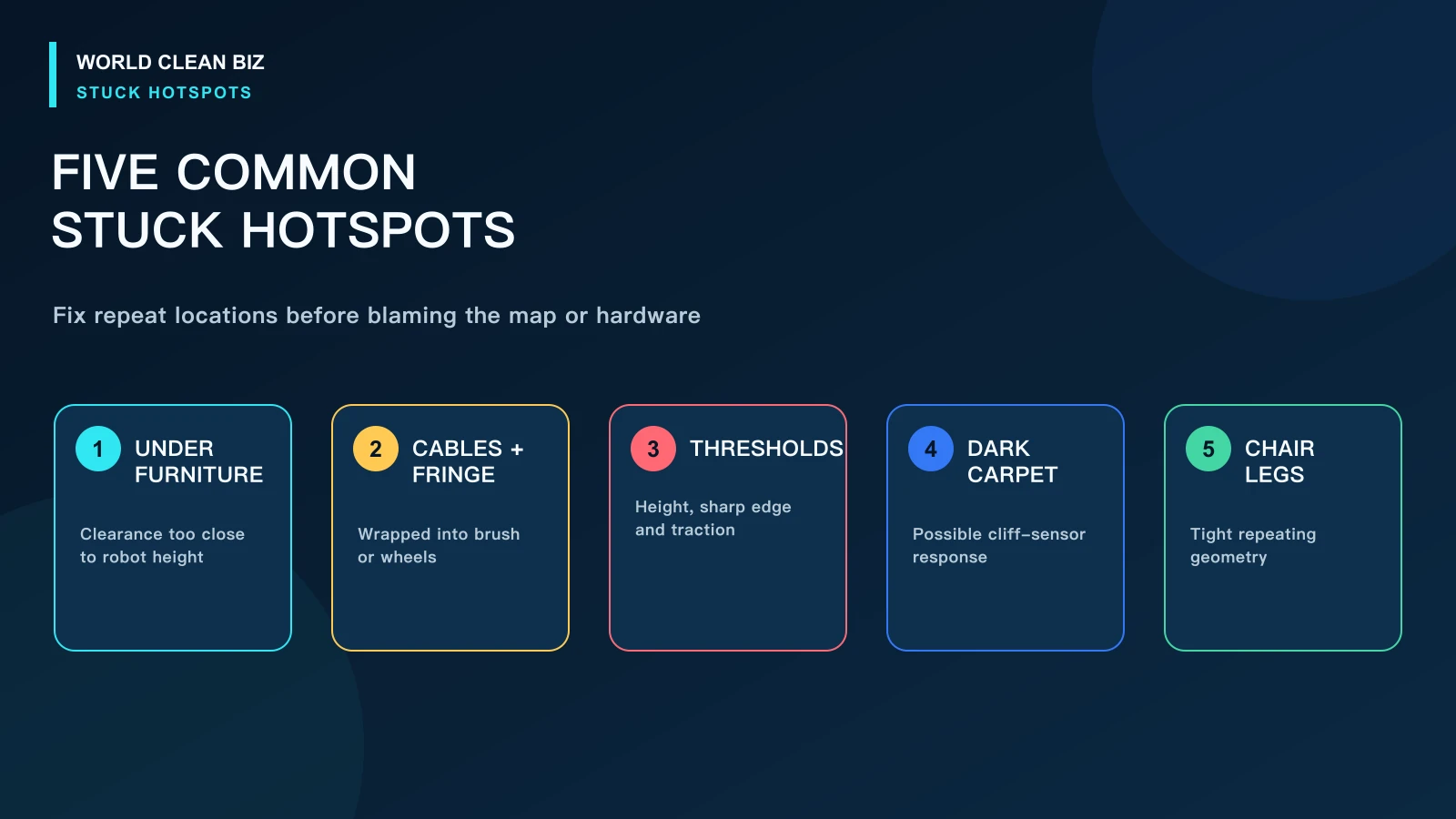
| Under the same sofa or cabinet | Clearance is too close to robot height | Measure the lowest clearance and block the area |
| On cables, socks or rug fringe | Loose household objects | Clear the route and secure or remove fringe |
| At the same threshold | Height, edge shape, wheel traction or approach angle | Inspect the threshold and compare the model's stated limit |
| On a dark rug or near a drop | Cliff-sensor interpretation or contamination | Clean approved cliff sensors and move the robot to a safe floor |
| Between chair legs | Tight geometry and repeated path planning | Move furniture slightly or add an accurate no-go zone |
| Randomly in open areas | Wheel, bumper, sensor, localization or internal fault | Record the error and test on a clear hard-floor zone |
| Says trapped although space is clear | Bumper, wheel, sensor or map error | Check accessible movement and preserve the App map |
1. Record the Exact Stuck Event
Before rescuing the robot, take a photo showing its position and nearby objects. Save the App map, error text and cleaning path. Note whether the robot is wedged, wheels are spinning, a wheel is suspended, it repeatedly reverses, or it stops without physical contact.
That observation separates four different problems:
- physical entrapment: the body, turret or brush is caught;
- traction or threshold failure: wheels cannot cross or recover;
- sensor interpretation: the robot detects a drop, collision or blocked route;
- localization failure: the robot's map and physical position no longer agree.
A precise symptom avoids unnecessary resets and helps determine whether the environment or the robot changed.
2. Remove Cables, Fringe and Movable Objects
Charging cables, curtain cords, shoelaces, thin socks, pet toys and plastic bags can wrap around a brush or wheel. Long rug fringe may be pulled into the cleaning head before the body detects the edge.
Build a repeatable cleaning route:
- lift or route cables away from the floor;
- secure curtains and cords above brush height;
- remove light objects that the bumper can push into a trap;
- fold, secure or exclude long rug fringe;
- keep doors in the same intended position during scheduled cleaning.
Do not tape over cliff, wall or optical sensors to force access. Defeating a safety sensor can create a fall or collision risk.
3. Check Furniture Clearance and Tight Spaces
The robot's published height is not the only clearance that matters. A slightly uneven floor, soft carpet, sloping furniture underside or raised navigation turret can leave too little margin even when a tape measure suggests the robot should fit.
Eufy's official support notes that a robot may become stuck when furniture clearance is only slightly higher than the unit. Its model-specific remedies include boundary strips, physical blocking or App no-go zones depending on the navigation system.
If the same furniture traps the robot repeatedly, create a durable exclusion. Raising furniture must be stable and safe; a loose temporary spacer can become another obstacle.
4. Inspect Thresholds, Rug Edges and Transitions
A robot may cross a threshold from one direction but fail from another because approach angle, wheel loading and sensor view change. Curled rug edges can behave like both a ramp and a snag point.
Compare the physical height and shape with the exact model's stated crossing capability. Marketing maximums are usually conditional, not a promise for every edge profile or floor material.
Check for:
- a sharp vertical lip instead of a rounded transition;
- a loose or curling rug edge;
- a wet, dusty or highly polished low-traction surface;
- a threshold beside a wall that restricts the approach angle;
- a wheel or caster packed with hair.
Do not build an untested steep ramp at a stair or other drop. Exclude unsafe transitions and use a permanent building solution only when appropriate.
5. Clean Cliff Sensors, Bumper and Wheels
Roborock's error guidance distinguishes dirty cliff sensors, a stuck bumper, suspended wheels, jammed wheels and a trapped robot. iRobot likewise notes that dirty cliff sensors, dark surfaces, uneven flooring or an actual edge can trigger a cliff-related stop on supported models.
Power off as instructed, then clean only accessible surfaces using the approved dry or model-specific method. Check that the bumper and user-serviceable wheels return normally without forcing them. Remove visible hair from wheel and caster areas.
Dark or shag carpet can be interpreted differently by some cliff-sensor systems. If cleaning does not change a repeat location-specific error, exclude that area rather than covering sensors.
6. Run a Controlled Isolation Test
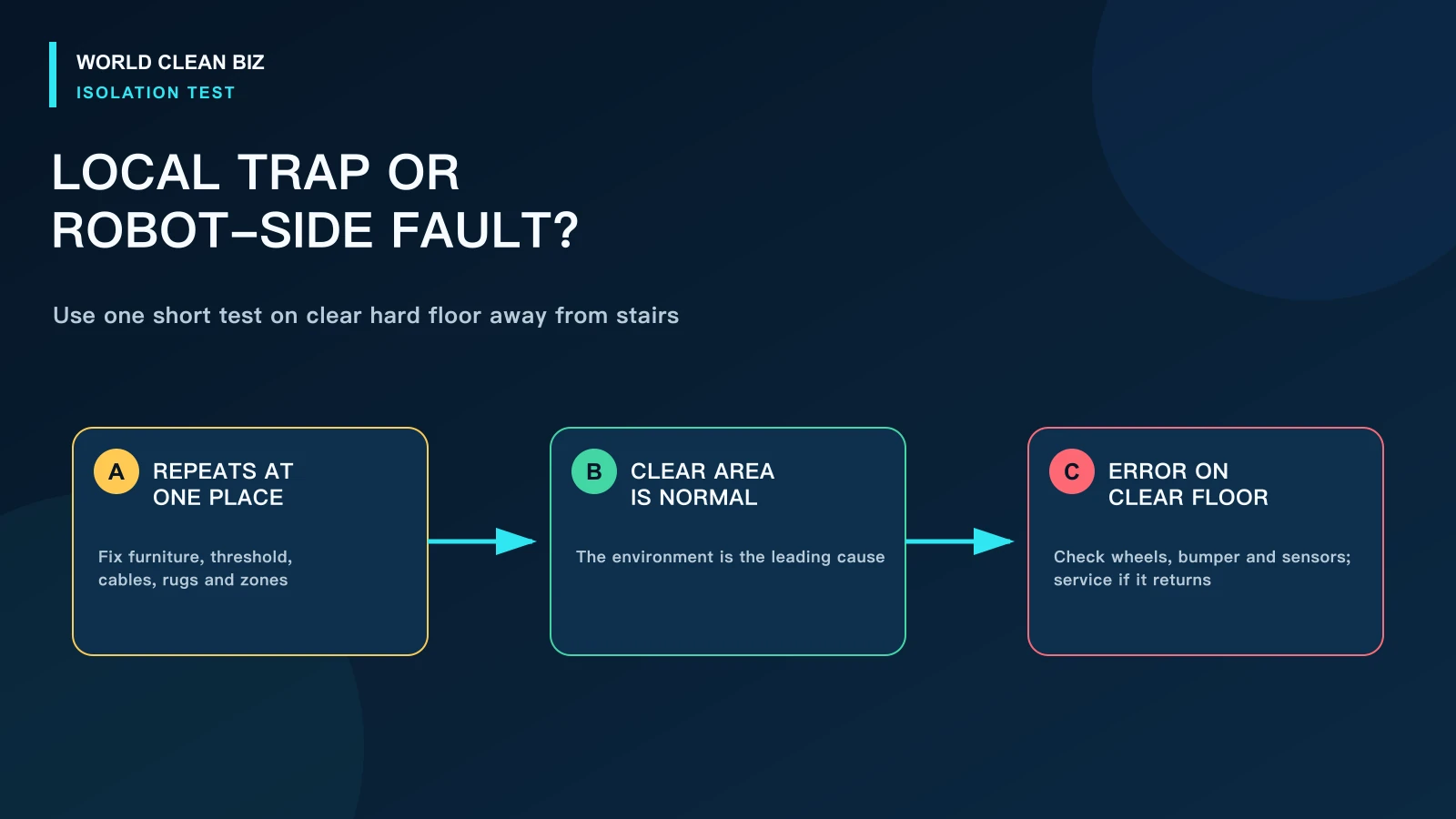
Choose a clear, dry hard-floor area away from stairs. Remove small objects and create enough open space for a short supervised clean.
- Works normally in the clear area: the original location, transition or object is the leading cause.
- Stops with the same wheel or bumper error: inspect the named user-serviceable part, then use service if the error returns.
- Stops near dark flooring only: clean the cliff sensors and follow the model's surface guidance.
- Moves normally but the App path jumps or rotates: preserve the map and investigate localization before remapping.
This test should not be performed on a table, counter or elevated platform.
7. Use No-Go Zones Carefully
A no-go zone is useful when the robot repeatedly enters a nonhazardous tight space, furniture cluster or difficult rug. Draw the smallest practical zone, save the map and confirm its location during a supervised run.
Software zones depend on the robot remaining correctly localized. Eufy's X10 manual explicitly recommends physical barriers or no-go zones for certain areas but also states that software zones are designed for dividing cleaning areas rather than isolating hazards. Retain a physical barrier where entering the area could cause a fall, fire, water exposure or other damage.
When to Remap or Use Service
Remap only after the home environment, wheels, bumper and approved sensors have been checked. Remapping is more justified when the stored layout is visibly distorted, rooms overlap, the robot location jumps or major furniture and station placement changed.
Use service when the robot gets stuck randomly on a clear hard floor, a drive wheel does not respond normally, the bumper remains jammed, a sensor error persists after approved cleaning, the navigation unit is physically damaged or the repair requires opening the enclosure.
FAQ
Why does my robot vacuum keep getting stuck under furniture?
The clearance may be only slightly greater than the robot's highest point, leaving too little margin for carpet, slopes or the navigation turret. Block the area or create a model-supported no-go zone.
Why does it get stuck on the same threshold?
The threshold may exceed the product's practical limit or have a difficult edge, angle or low-traction surface. Clean the wheels, secure nearby rugs and exclude the transition if it cannot be made safe.
Can dark carpet make a robot vacuum think it is at a cliff?
On some models, yes. Official support from iRobot and Roborock identifies dark surfaces as a possible cliff-sensor issue. Clean the sensors and follow model-specific guidance; never cover them.
Should I delete the map if the robot keeps getting stuck?
Not first. A repeated local trap is usually better solved by removing the object, adjusting the environment or adding a zone. Preserve the map before any remapping action.
Are no-go zones safe enough for stairs?
Do not use a software zone as the only protection for a hazardous drop. Follow the manufacturer and retain a physical safety boundary where failure could cause damage.
Final Answer
When a robot vacuum keeps getting stuck, photograph the exact event and determine whether the pattern follows one location or occurs randomly. Remove loose objects, secure rugs, check clearance and thresholds, then clean approved cliff sensors, bumper and wheels. Use a clear-floor test to separate the environment from the robot.
Add no-go zones for repeat nonhazard areas, preserve physical barriers at hazardous locations, and remap only when the map itself is demonstrably wrong. Persistent random trapping or wheel, bumper and sensor errors require service.